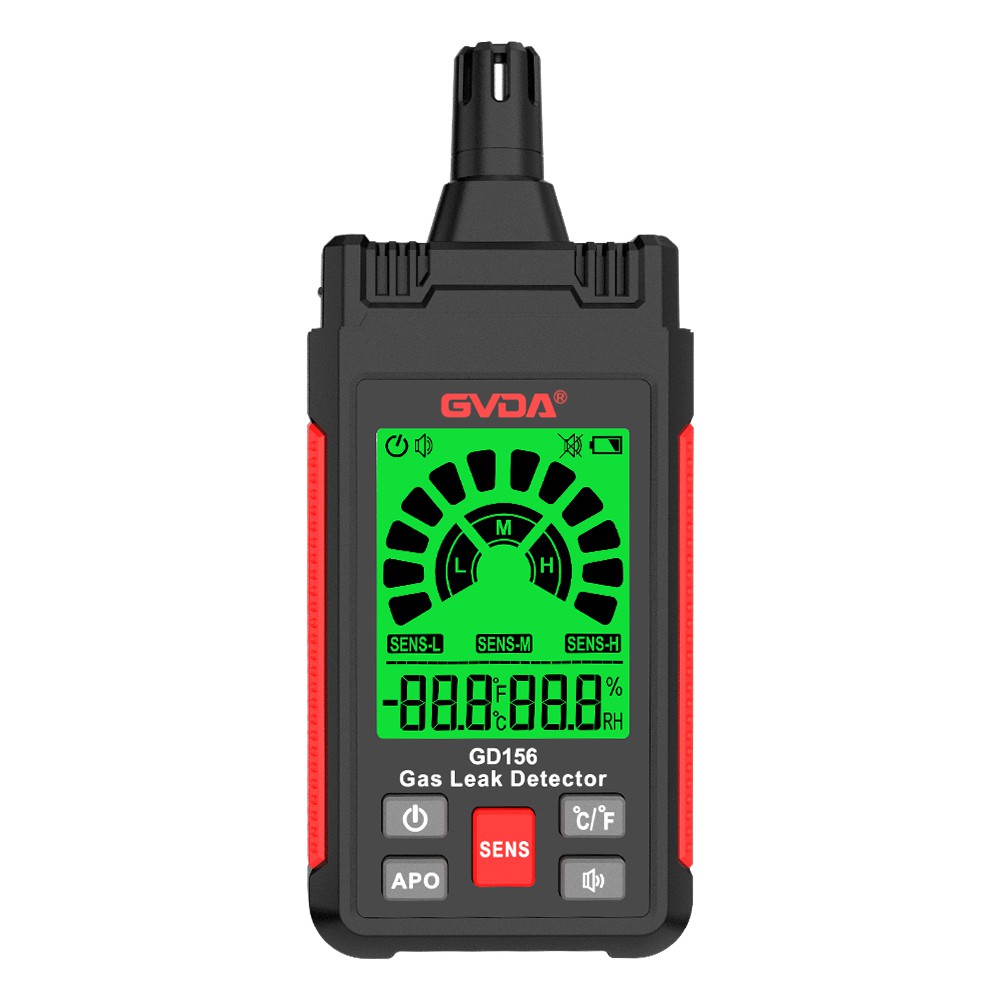
How to use the oxygen detector
1. Start up:
Press and hold the "Power" button on the left for a few seconds, the oxygen detector starts to turn on, the display screen lights up, it automatically performs a self-test after the preheating is completed, the alarm indicator lights up, the buzzer sounds, and the alarm stops automatically after the self-test is completed.
2. Detection:
Put the portable oxygen detector into the area to be tested by hand or using a back clip, and the display screen of the oxygen detector will automatically display the oxygen concentration value detected in the current area.
3. Alarm:
When the oxygen content in the detected area reaches the preset alarm value, the normal oxygen concentration in the general air is 20.9%VOL, and the detection value is lower than 19.5%VOL, or higher than 23%VOL, which will trigger the alarm of the oxygen detector Alarm, such as vibration, alarm indicator light flashes, buzzer sounds.
4. Muffling:
When the oxygen detector alarms because it detects that the oxygen concentration exceeds the limit, the staff can press the "off" button to turn off the alarm.
5. Shutdown:
When the oxygen detector is turned on, press and hold the "Shutdown" button for a few seconds, and the oxygen detector will be turned off.