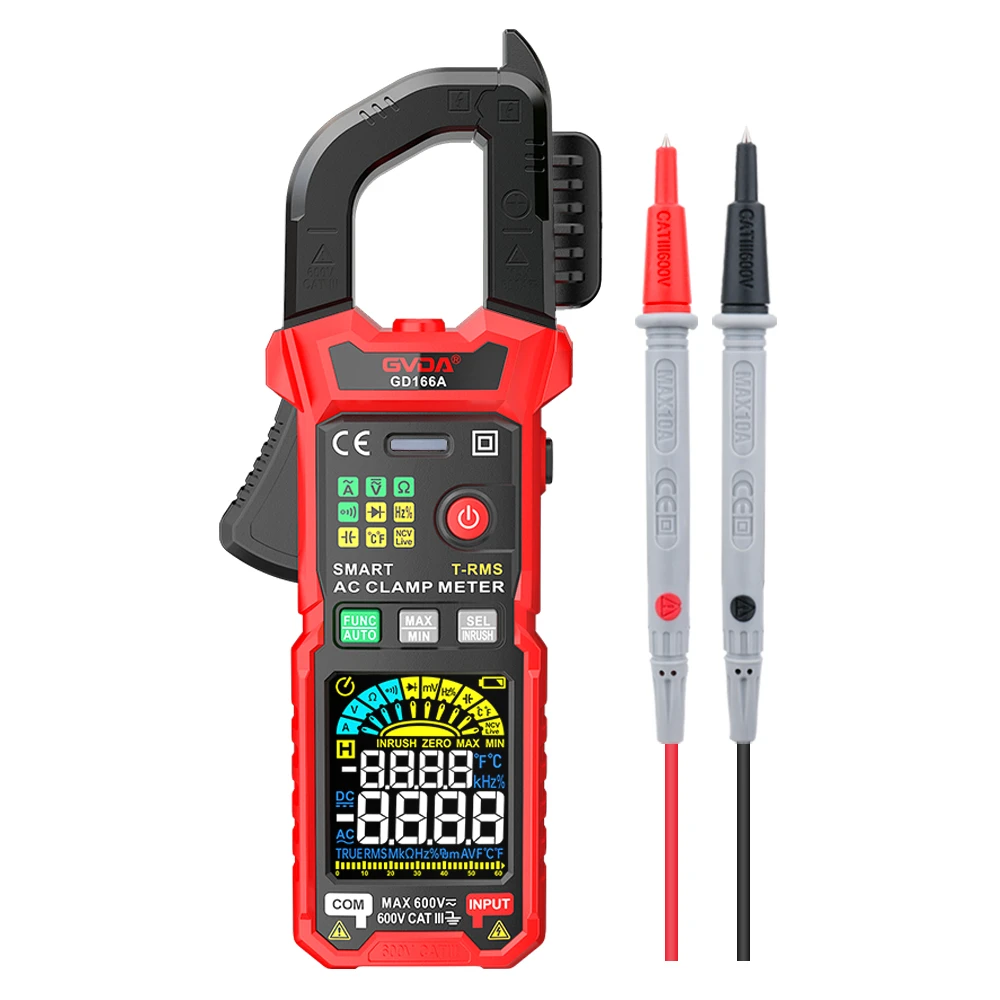
How Clamp Meters Measure AC and DC Current
1. Turn the rotary function switch to the appropriate current range.
2. If desired, press the D button to select DC current. The default is AC current.
3. For DC measurements, wait for the display to stabilize, then press the Z button to zero the meter.
Notice
Before zeroing the meter, make sure the jaws are closed and there are no wires between the jaws.
4. Press and hold the jaw switch to open the clamp and insert the lead to be tested into the clamp.
5. Close the clamp and center the wire using the alignment marks on the jaws.
6. Check the reading on the LCD.
warn
To avoid electric shock or personal injury, currents flowing in opposite directions cancel each other out. Only place one wire in the clamp at a time,
Clamp Meter Measures AC or DC Current
Clamp Meter To measure AC or DC current:
1. Turn the rotary function switch to the appropriate current range.
2. If desired, press the D button to select DC current. The default is AC current.
3. For DC measurements, wait for the display to stabilize, then press the Z button to zero the meter.
Notice
Before zeroing the meter, make sure the jaws are closed and there are no wires between the jaws.
4. Press and hold the jaw switch to open the clamp and insert the lead to be tested into the clamp.
5. Close the clamp and center the wire using the alignment marks on the jaws.
6. Check the reading on the LCD.
warn
To avoid electric shock or personal injury, currents flowing in opposite directions cancel each other out. Only place one wire in the clamp at a time,