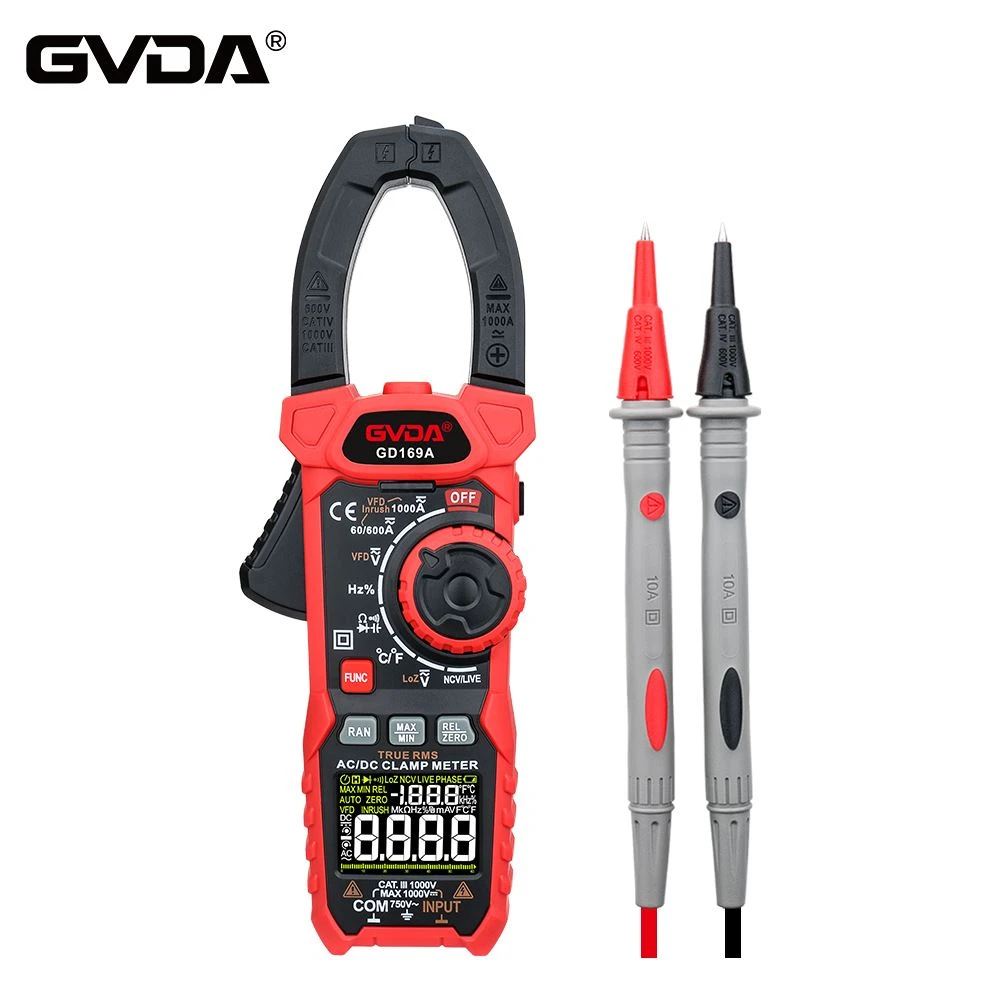
How to use digital clamp meter and common problems
The digital clamp ammeter has the functions of automatic range conversion (automatic shift of the decimal point), automatic display of polarity, data retention, over-range indication, etc., and some also have the functions of measuring resistance, voltage, diode and temperature.
Using a digital clamp ammeter, the reading is more intuitive and the use is more convenient. The usage and precautions are basically the same as the pointer clamp ammeter.
Several common problems encountered in the use of digital clamp meters.
1. About range selection.
During measurement, if the displayed number is too small, as shown in Figure 1(a), it means that the selected range is too large, and you can switch to a lower range and measure again.
If the overload symbol is displayed, it means that the selected range is too small, and you should switch to a higher range and measure again.
2. It is not allowed to change the range during the measurement. The wire under test should be withdrawn from the core jaw, or press the "Function" key for 3s, turn off the power of the digital clamp meter, and then change the range.
3. If you need to save the data, you can press the "Function" button during the measurement process, you can hear a beep of "Di", and the measurement data at this time will be automatically saved on the display screen.
4. When using a digital clamp meter with multimeter function to measure circuit resistance, AC voltage and DC voltage, insert the test leads into the test lead jack of the digital clamp meter, and set the range selection switch to "V~" ( AC voltage), "V-" (DC voltage), "Ω" (resistance) and other gears, use two test pens to touch the measured object, and the LCD display will display the reading.
The specific operation method is the same as the measurement of resistance, AC voltage and DC voltage with a digital multimeter introduced in Chapter 2.