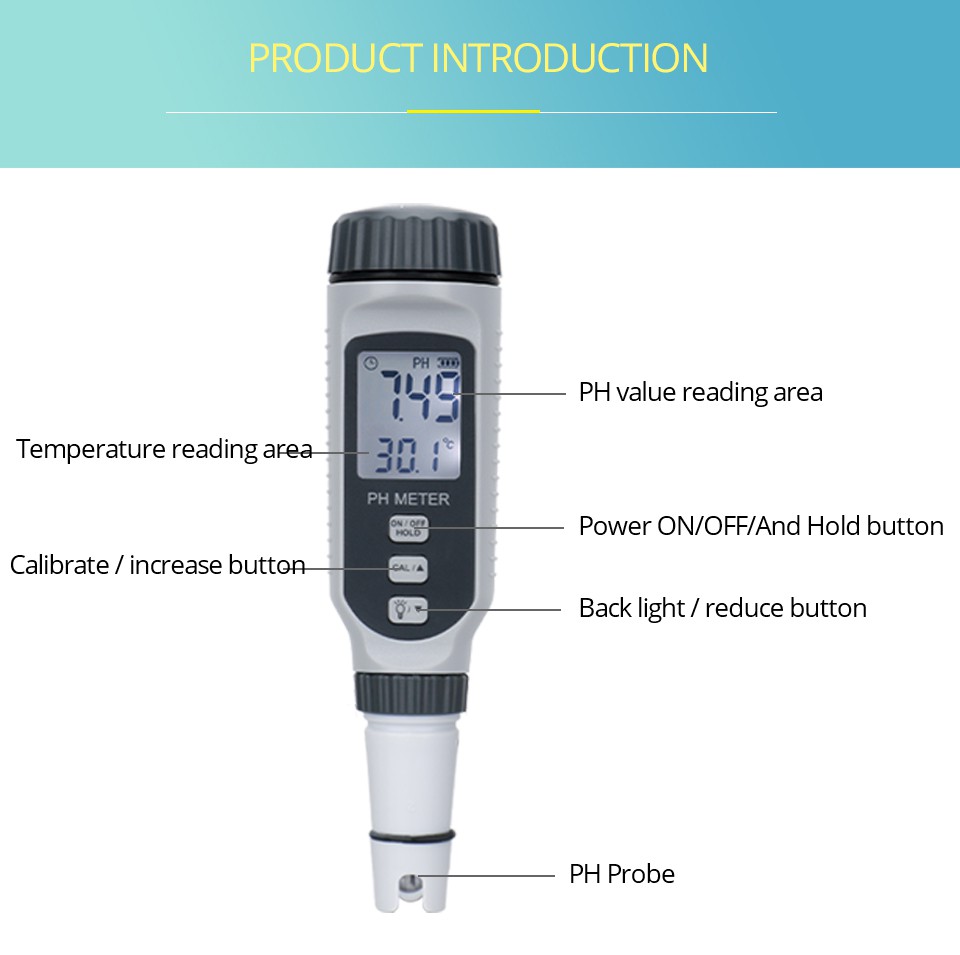
Common problems and solutions for measuring and calibrating pH meters
Measurement issue: Do two measurements of the same sample have different pH values?
Changes in temperature or chemical reactions occurring in the sample itself can cause changes in pH value. Therefore, it is advisable to maintain consistent temperature and avoid chemical reactions.
Measurement issue: The same sample was measured on two pH meters simultaneously, but the readings were inconsistent
Due to different calibration conditions between the two pH meters (such as calibration performed at different times), there may be differences in the measured values. So the pH meter needs to be calibrated with the same buffer at the same time, and then measured simultaneously.
Measurement question: Does the display remain unchanged regardless of the electrode in any sample?
Because the electrodes are not actually connected to the instrument. The solution is to first shut down the device and then reconnect the electrodes and instrument· Because the electrode is broken, it needs to be replaced with a new one in a timely manner.
Measurement issue: measurement is unstable and takes a long time
Due to electrode aging. The response time of the electrode in the buffer solution can be tested. If it exceeds 1 minute, the electrode needs to be activated or replaced with a new one.
If the response time of the measuring buffer is short but the measuring sample is unstable, it indicates that the electrode is not suitable for measuring the tested sample. Please choose the appropriate electrode according to the electrode selection guidance.
Calibration question: Why does the electrode display 7.02 after calibration in a pH 7.00 buffer solution?
At this time, the buffer temperature is around 20 ° C. Due to the slight temperature variation of the pH value of the buffer, 7.00 is only the value of the buffer at 25 ° C, while the value of the buffer at 20 ° C should be 7.02. The Mettler Toledo pH meter can automatically compensate for the impact of temperature on the buffer solution to ensure measurement accuracy.
Problem: Error or inability to correct when making some corrections
Due to withdrawal from calibration midway. During the calibration process, simply press the "Cal" key and do not touch any other keys, otherwise the calibration program will exit.