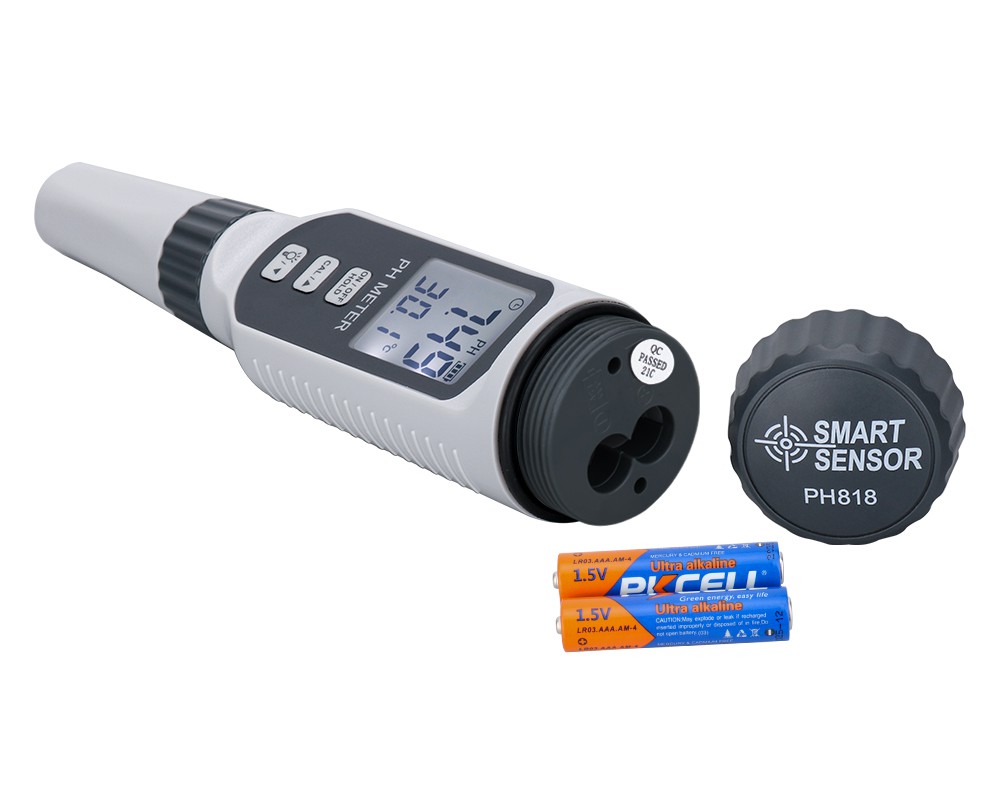
Dealing with a pH meter error problem
1. There is no response when booting
Causes of failure: 1) The circuit is not connected; 2) The external voltage is unstable; 3) The instrument is damaged.
Troubleshooting method: 1) Check whether the power supply has a voltage output; 2) If the instrument connected to an external regulated power supply does not respond when turned on, check the output of the regulated power supply, and there should be a DC voltage of 9V; 3) Replace or repair according to regulations.
2. There is no display when booting
Causes of failure: 1) The wiring potentials of the LCD screen and the main board do not match; 2) The connection between the main board and the LCD screen is in poor contact or the instrument is damaged.
Troubleshooting method: 1) If the backlight is on but there is no display number, adjust the potentiometer on the main board; 2) Replace or repair according to regulations.
3. An error is displayed when starting up, and the words Err appear
Cause of failure: Desktop or portable pH meters generally have a self-test function. When the instrument detects that there is a problem with the memory chip, this message will be displayed.
Troubleshooting method: shut down, wait a moment, restart the pH meter several times, if the problem persists and the chip cannot be recovered, please contact a professional engineer for maintenance.