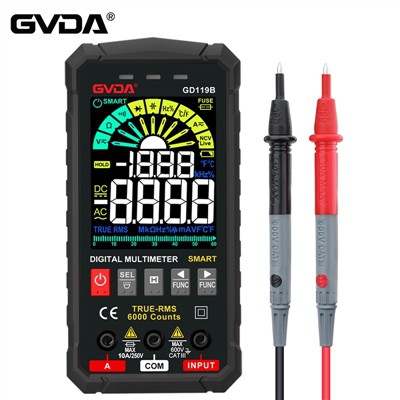
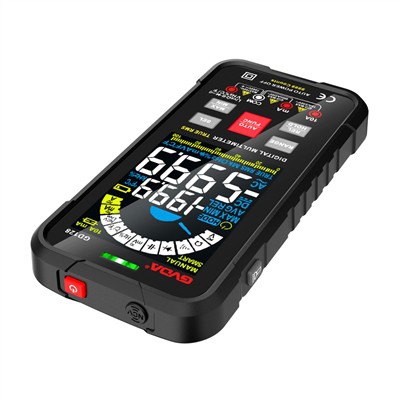
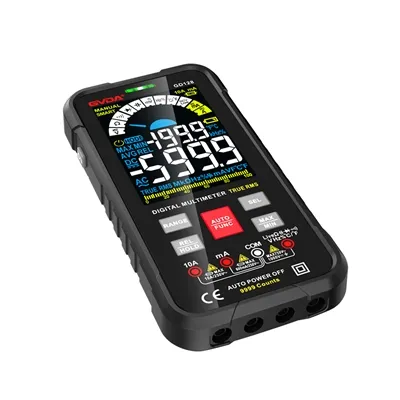
Detailed explanation of the button functions of the digital clamp watch
As a common maintenance tool in our daily maintenance work, digital clamp watches play an important role in our work. The main advantage compared to an ordinary multimeter is that it can measure AC/DC current without disconnecting the circuit.
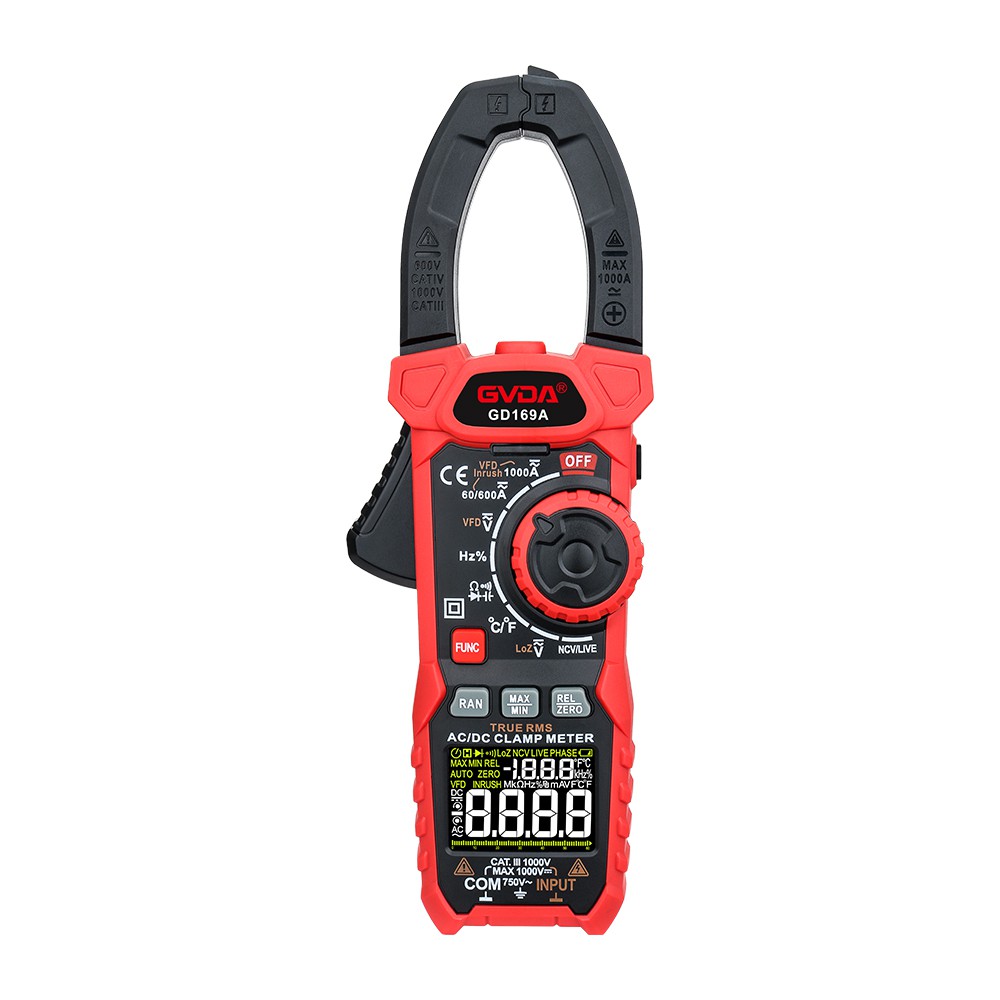
① AC/DC current clamp: Pick up AC/DC current and clamp frequency measurement.
② Function range switch: used to select various functions and range ranges.
③ HOLD data hold button: Press the hold button, and the display will hold the final reading of the measurement and display "H"; Press the hold button again, and the instrument will return to its normal testing state.
④ MAX/MIN hold key: Press the hold key to maintain the maximum or minimum reading on the display.
⑤ Display: 3 3/4 bit, word height 12mm, 7-segment LCD display.
⑥ V Ω Hz socket: When measuring voltage, resistance, diode forward voltage drop, circuit on/off, and frequency, the positive input terminal of the red probe.
⑦ COM socket: Except for AC current, the negative input terminal of the black probe.
⑧ ZERO key: In the AC/DC current range, press this button to enter the relative measurement state of the instrument. The "REL" symbol will be displayed, and the reading will be displayed as zero. Prior to this, the display readings were stored as reference values in memory. In the automatic range state, the previous range will also be retained.
⑨ FUNC key: In the resistance, circuit on/off, and diode positions, this button can automatically switch measurement status, and the selected function will be displayed on the LCD.
⑩ Background light: The display of the instrument is equipped with background light. After pressing this button, the background light will light up and automatically turn off after 7-8 seconds.
Trigger: Press the trigger and the pliers will open; Release the trigger and the pliers will automatically close.