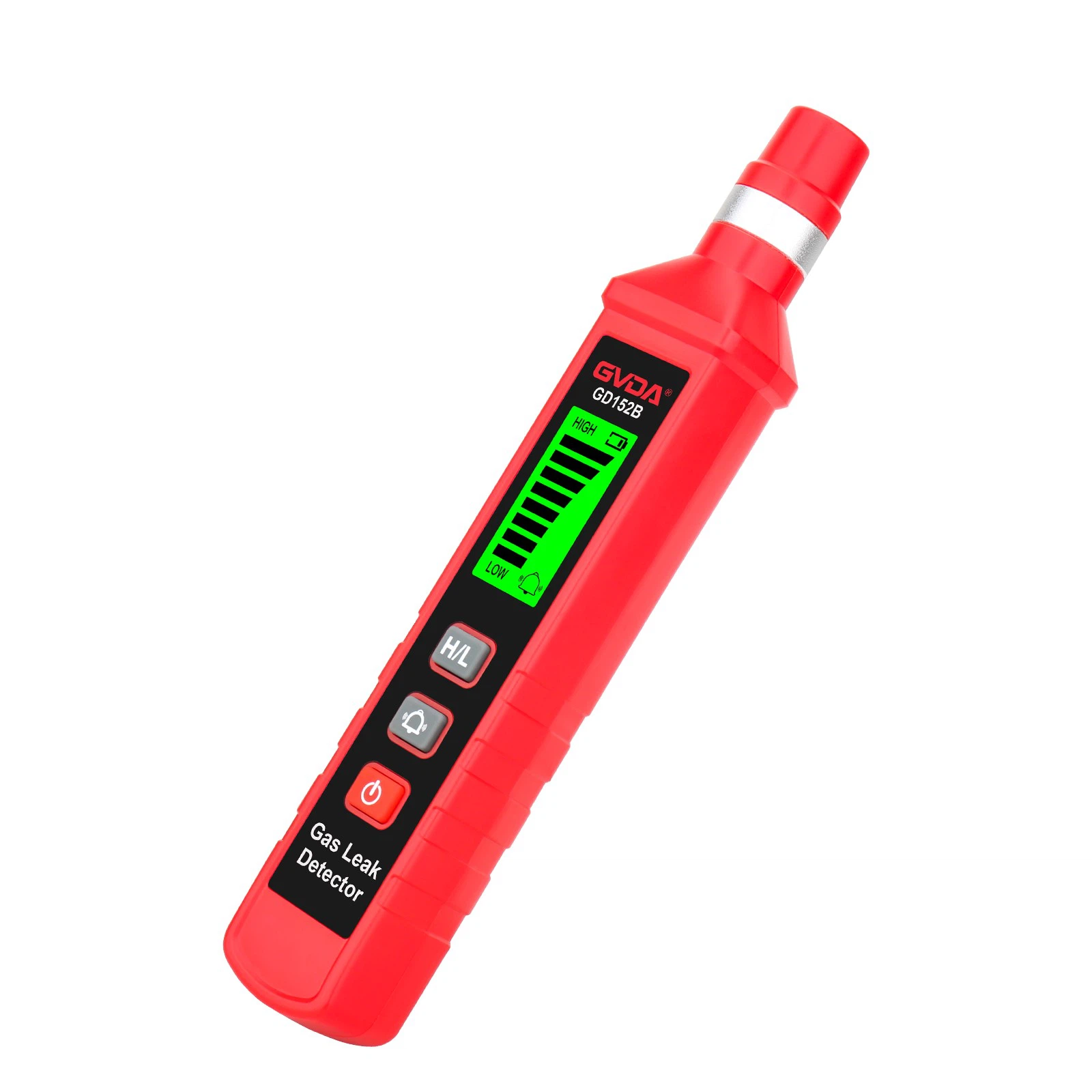
Garbled Display on Carbon Monoxide (CO) Detector? Fix It This Way
1, Basic investigation
Loose basic connections or abnormal power supply are common causes of garbled display screens. If it is a carbon monoxide detector with wired power supply or data transmission, you can check the connection status of the power line and data interface, pay attention to whether the plug is plugged in tightly, whether the line is damaged or poorly connected. The interface of the device that has been used for a long time is prone to oxidation and looseness, which can cause signal transmission disorder. If looseness is found, you can unplug and re plug it in. If the line is damaged, replace it with the original line of the same specification for testing.
Unstable power supply can also affect device operation. Battery powered detectors can open the battery compartment to check the battery level, and replace it with a brand new battery of the same model when the battery is low; The external power detector can replace the normal power adapter or check if the socket is powered on to eliminate the fault at the power end.
2, Device restart
Most temporary program disruptions in electronic devices can be restored by restarting. Conventional soft restart can locate the power button of the carbon monoxide detector, press and hold for a few seconds until it shuts down, wait for a period of time for the internal circuit to completely discharge, then press the power button to turn on, and observe whether the display screen returns to normal after turning on.
Some models of carbon monoxide detectors have reset holes on the side or bottom of the body, which can be gently inserted and pressed for a few seconds with a small tool. The device will automatically restart and restore to factory settings. It should be noted that the personalized settings of the device will be reset to zero after resetting, and need to be readjusted after restarting.
3, Cleaning and maintenance
Dirt, moisture, or static electricity on the surface of the display screen may also create the illusion of garbled text. You can gently wipe the display screen with a clean soft cloth to remove dust, fingerprints, or oil stains. Stubborn stains can be wiped with a soft cloth dipped in a small amount of pure water, and then dried with a dry cloth to prevent moisture from seeping into the interior of the device.
If the carbon monoxide detector is kept in a humid environment for a long time, internal moisture may cause component failure. You can open the device casing according to the instructions and check if there are any mold spots or water droplets on the circuit board. If there are, clean the surface with a dry brush and then air dry it in a cool and ventilated place. Do not expose it to direct sunlight. After air drying, reassemble and test it.
4, Advanced processing and hardware maintenance
If the above steps do not solve the problem, the intelligent carbon monoxide detector can check the firmware version through the official APP or computer software. If there is a new version, follow the instructions to download and update it. Before updating, ensure that the device has sufficient power.