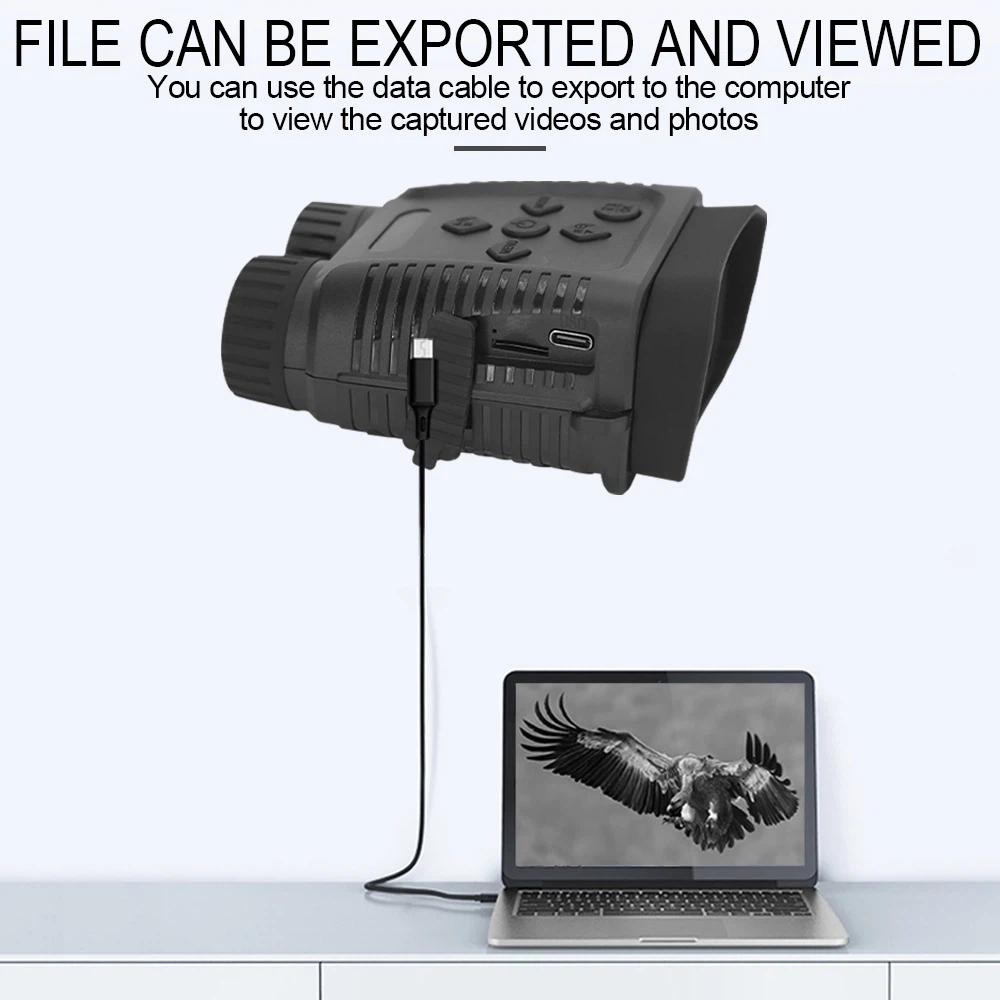
How to Connecting the Device to a PC through the USB Cable:
1. Turn on the night vision. Connect it to a computer through the supplied USB cable.
2. When connecting to the computer, it will appears “USB” icon on the screen.
3. Open [My Computer] or [Windows Explorer]. A"Removable Disk" appears in the drive list.
Double-click the "Removable Disk" icon to view its contents. Files stored on the camera are located in
the folder named "DCIM".
4. Copy the photos or files to your computer.