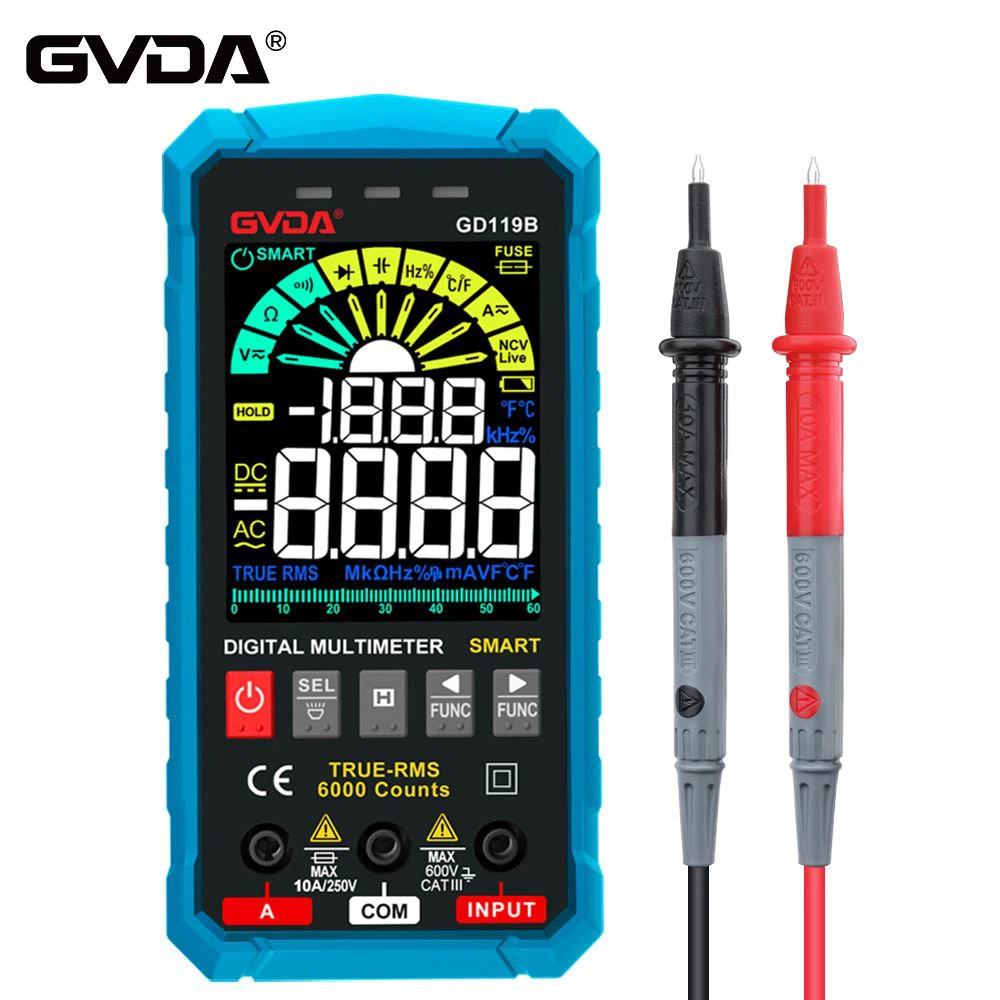
How to judge the power phase line with digital multimeter
Turn the digital multimeter to 20V (or 200V) AC voltage block, do not connect the black test lead, hold the insulating rod of the red test lead with your hand, and touch the two holes of the power socket (or the exposed parts of the two power cables) with the pen tip in turn. , the one that shows a larger value is the phase line, and the one that shows a smaller number is the neutral line.
1. If the two power jacks are touched with the red test pen, the displayed values are close to each other and the reading is larger, indicating that the neutral wire is open to the ground. Because the neutral wire is close to the phase wire, an AC voltage is also induced.
2. Checking the phase line with a digital voltmeter has the advantage that it can be accurately judged without damaging the insulating sheath.
As long as the red test pen is used to touch the outer skin of the two wires in turn, the wire with the larger reading is the phase wire.
Since the tip of the pen does not touch the internal wire, the induced voltage is relatively weak, so it is better to choose the 2V AC voltage block of the digital multimeter.