How to test a thermistor using a multimeter?
Thermistor in the current electrical appliances used more frequently, it is through the change in ambient temperature and resistance changes, thereby changing the working state of the circuit, is widely used in temperature sensors and control systems.
Thermistor according to its resistance value and the relationship between temperature change, can be divided into positive temperature coefficient and negative temperature coefficient of two kinds. Positive temperature coefficient means that the resistance value of thermistor decreases with the rise of ambient temperature.
The nominal resistance value of thermistor refers to the resistance value of the environment at 25℃, therefore, when measuring the resistance value of thermistor, it is necessary to pay attention to the influence of the ambient temperature on its resistance value. When the ambient temperature is 25℃, the resistance value of thermistor measured by multimeter is its nominal resistance value. If the ambient temperature is not 25℃, it is normal phenomenon that the measured resistance value does not match the nominal resistance value of thermistor.
If you need to test whether the thermistor has a positive or negative temperature coefficient, you can add heat around the thermistor when testing the thermistor, such as using a soldering iron to get close to the thermistor, and then if the measured resistance value increases, it is a positive temperature coefficient thermistor. On the contrary, it is a negative temperature coefficient thermistor.
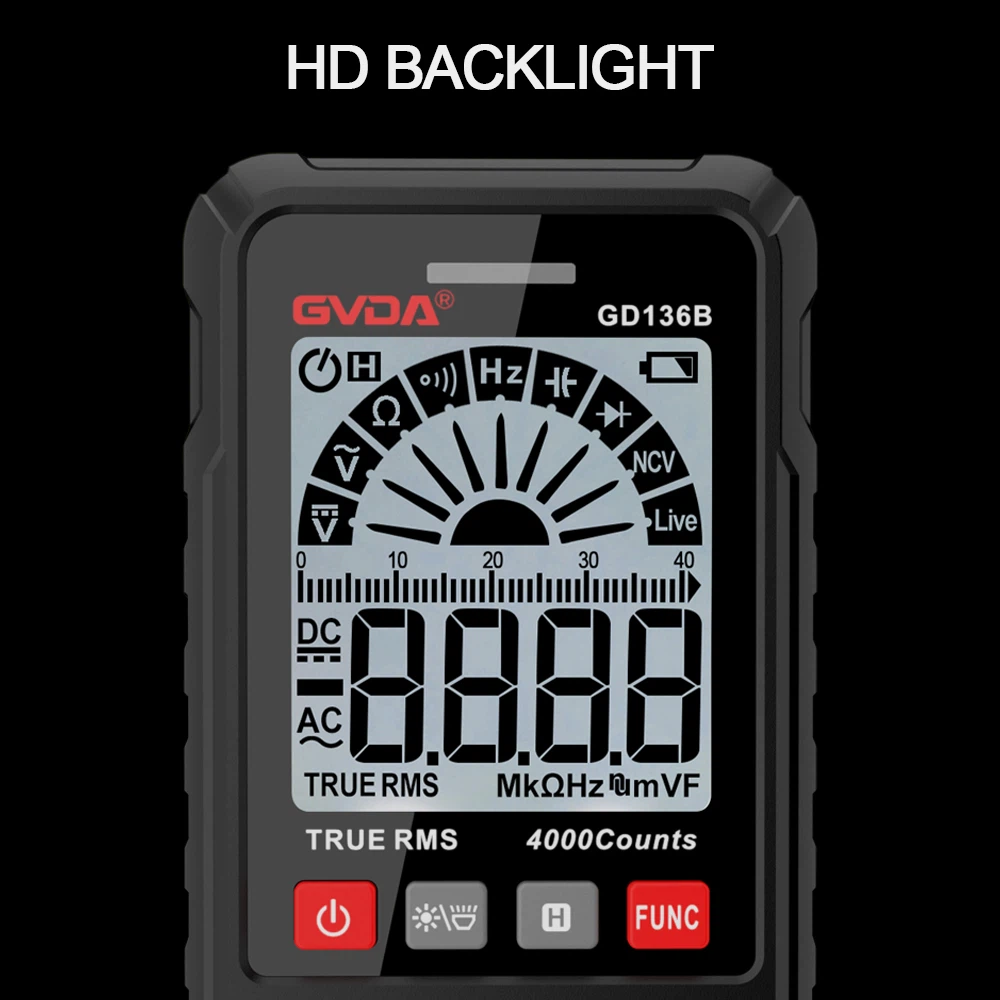
How to measure temperature with digital multimeter?
(1)Connect the two ends of the thermocouple to the voltage terminal port according to the positive and negative polarity.
(2) Turn the knob to the temperature stop Celsius degrees Celsius. The blue button on the right side of the meter switches the temperature unit to Fahrenheit.
(3)With the zero compensation function, press the yellow Setup key and the background light key at the same time to enter the adjustment mode, and adjust the reference zero point in both directions by using the up and down arrow adjustment keys on the upper right side of the instrument.
(4)Press the yellow Setup key and the background light key at the same time when the adjustment is completed and confirmed.
(5)Press the yellow Setup key and Hz%ms key to exit the adjustment mode.