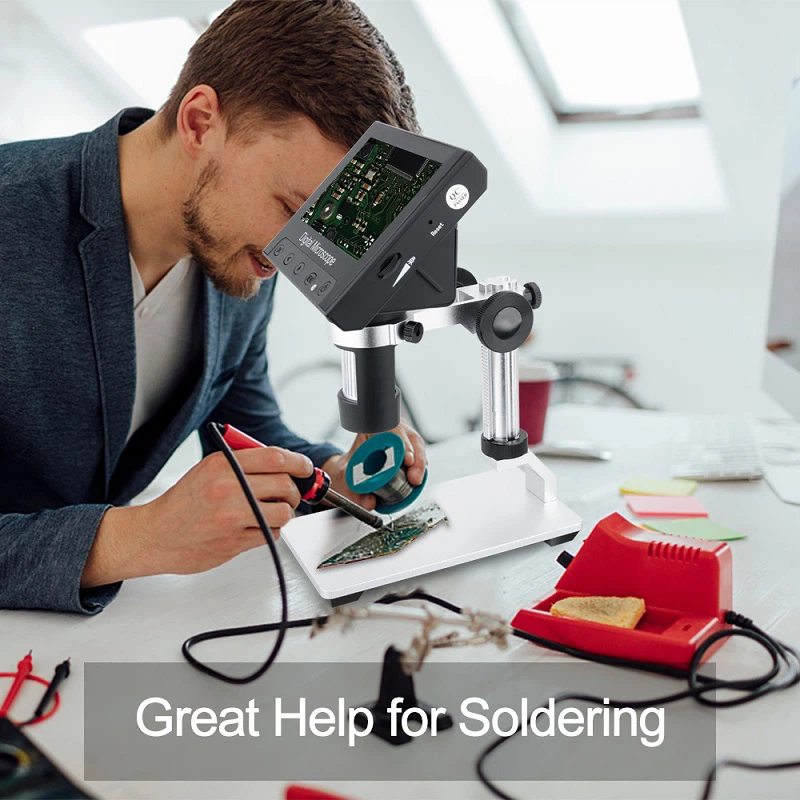
Troubleshooting for Common Faults of Digital Universal Tool Microscopes
1. The main optical path of the instrument is not lit up, mainly due to:
(1) The instrument power supply has no voltage output;
(2) Transformer fuse blown;
(3) The light source bulb or reading microscope bulb of the optical path system is damaged;
(4) The wires between the instrument base and the transformer are not properly connected.
The main reason why the digital display box does not display is:
(1) The instrument base and digital display box cables are not properly connected;
(2) The switch on the back panel of the digital display box is not turned on;
(3) The power cord of the digital display box is not properly plugged in;
(4) The x and y coordinate signal cables between the grating sensor and the digital display box on the instrument base are not properly connected;
(5) The digital display box circuit has a short circuit, open circuit, or component damage.
The main reasons for the messy strokes or unstable display of the last digit on the digital display box are:
(1) The microcomputer has not completed automatic power on and has not entered the normal program;
(2) Segment or bit scanning fault, replacement of segment or bit drive tube is required;
(3) There is a seismic source near the instrument.
The main reasons for the sudden alarm or missing count of the digital display box are:
(1) The workbench moves too quickly;
(2) Poor contact of signal cables;
(3) The startup time is too long;
(4) The change in gap between the main and auxiliary gratings of the grating sensor causes the signal of the grating sensor to be too small. First check the cable connection, then press the corresponding alarm coordinate reset button. If the alarm is cleared, it indicates that it is caused by the worktable moving too quickly. If it cannot be cleared, adjust the grating signal and use an oscilloscope to check. The waveforms of the two grating signals should be sine waves, with peak to peak values greater than 2V and equal, and a phase difference of 90 degrees. The Li Shayu figure on the oscilloscope is circular.
The main reason for the display value of the digital display box exceeding the tolerance is:
When installing the grating ruler, it should not be parallel to the workbench guide rail. The grating ruler should be adjusted to be parallel to the guide rail in the x and y directions, and the error should not exceed 10 μ m.
There is no response when pressing the keyboard, mainly due to:
The keyboard scanning decoder is damaged.
Precautions for instrument use
During measurement, the power should be turned on and preheated for 10 minutes.
2. Do not move the workbench too quickly, and start and stop smoothly.
3. Move the workbench to avoid excessive lateral force affecting the variation of grating gap.
4. When placing the test piece, handle it gently and avoid heavy pressure or impact on the grating head and grating ruler cover.
5.During printing, both power sources should be turned on simultaneously and the workbench should be locked.
6. The grating ruler should be cleaned regularly with alcohol and ether.