Two-point Calibration of pH Meter (pH Meter Instrument)
1. Preparation work
Prepare three beakers each containing 250 milliliters of purified water (to ensure calibration accuracy), and pour pH7 mixed phosphate reagent into the beaker, and pH4 potassium hydrogen phthalate reagent (or pH9 sodium tetraborate reagent depending on user monitoring needs, generally pH4 reagent is used) into the beaker )Stir thoroughly with a stirring rod until completely dissolved The third cup of purified water is used for electrode cleaning
2. Calibration steps
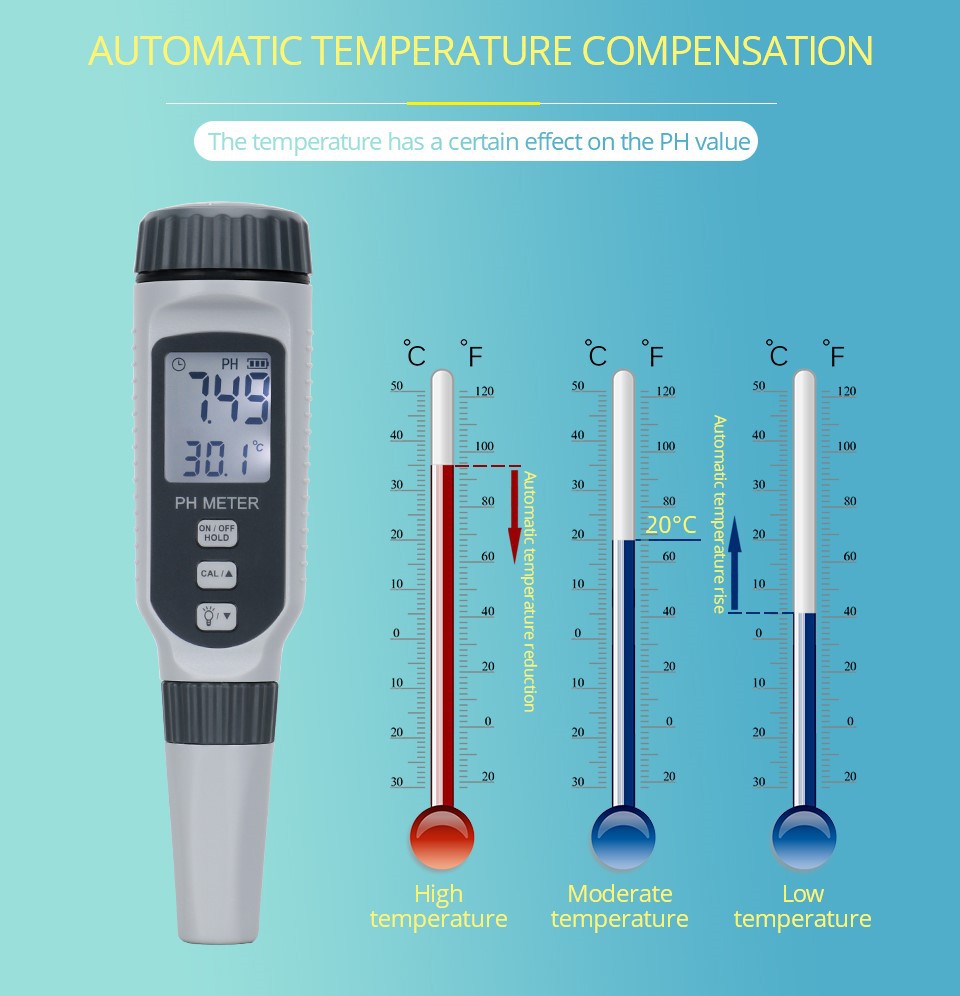
PH 7.00 point calibration: Place the electrode in a pH 7 mixed phosphate solution and wait for the pH meter to display a stable value Press and hold the CAL/ENT key continuously for three seconds, and the display screen (4) will show 'Calibration in progress, please wait'. At the same time, the display screen (5) will start flashing. After 14 seconds, the display screen (5) will stop flashing and show '6.86'. At the same time, the display screen (4) will show 'pH7- Calibration completed' At this point, PH7 calibration is complete Remove the electrode and place it in a beaker filled with purified water for cleaning PH4 or PH9 calibration: Place the cleaned electrode in a pH 4 potassium hydrogen phthalate solution (or pH 9 sodium tetraborate solution, depending on the user's choice) and wait for the pH meter to display a stable value Press and hold the CAL/ENT key continuously for three seconds, and the display screen (4) will show 'Calibration in progress, please wait'. At the same time, the display screen (5) will start flashing. After 14 seconds, the display screen (5) will stop flashing and show '4.01'. At the same time, the display screen (4) will show 'Calibration completed'. After three seconds, it will return to normal display (if the user uses pH9 sodium tetraborate, the display screen (5) will show '9.18') After calibration is completed, connect the PT100 temperature electrode at the PT100 end of the back plate to automatically compensate for temperature If the display screen (4) shows' sensor aging 'during user calibration, it indicates that the electrode has aged In short, readings should be corrected using acidic and alkaline solutions with known pH