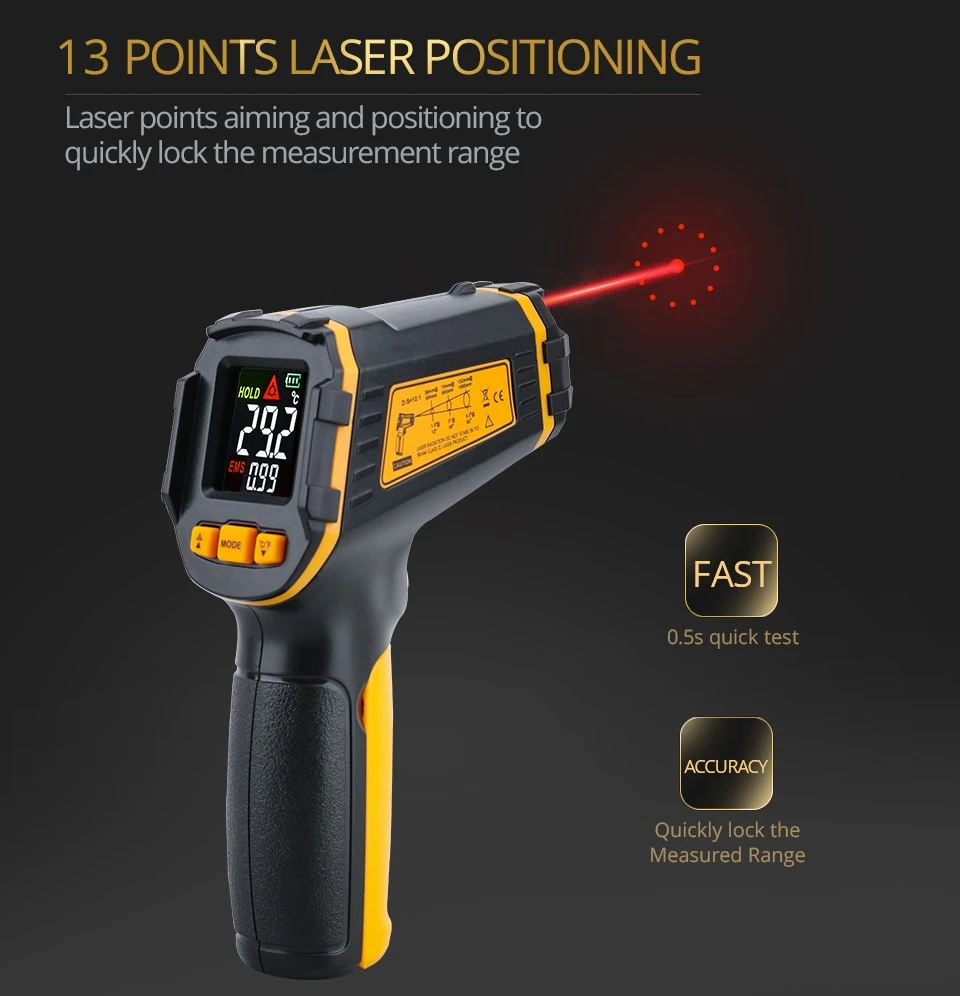
How an infrared thermometer measures temperature
High resolution infrared thermometer is a high-temperature measurement product with complete functions and superior performance, featuring high precision, fast response, and high optical resolution combined with accuracy; Dual laser aiming is an ideal choice for high-temperature measurement applications.
Operation steps for measuring temperature with high-resolution infrared thermometer:
1. Go to the tested location and remove the instrument from the box;
2. Grasp the thermometer handle with your right hand and press the switch with your index finger. You will hear a "biu biu" sound, turn on the power, and the screen will display the temperature of the object you are facing. When measuring, pay attention to the distance coefficient.
3. To measure an object, align the lens with the object being measured, press and hold the switch to perform the measurement. At this point, a scanning symbol will appear on the upper left side of the screen, indicating that the measurement is in progress. Release the switch, and a hold symbol will appear on the upper left side of the screen, which displays the temperature of the object being measured.
4. When using this instrument in unclear or dark environments, first release the power switch button, then press the laser/backlight button. This will display the laser/backlight symbol on the screen. When the switch is pressed for measurement, a red dot will appear on the object being measured, indicating that temperature measurement is being conducted in that area. When not in use, release the power button and press the laser/backlight button again. Press once for no laser, press twice for no backlight, and press three times for no backlight and laser.
5. When testing a surface (such as a sealed one), the fixed-point method can be used, and each measurement must be recorded in a timely manner. The measurement data is automatically held for 7 seconds without any operation, and automatically shuts down after 30 seconds. The backlight will automatically turn off after a delay of ten seconds.