How to replace the battery of the digital lux meter
◆When the battery power is low, the "BT" indicator will appear on the LCD, indicating that the battery needs to be replaced.
◆Remove the power from all test terminals, and open the battery cover in the direction indicated by the arrow. Remove the battery from the battery buckle and replace it with a new 9V battery.
◆Close the battery cover.
Measurement methods:
◆Turn on the power.
◆Select the appropriate measurement gear.
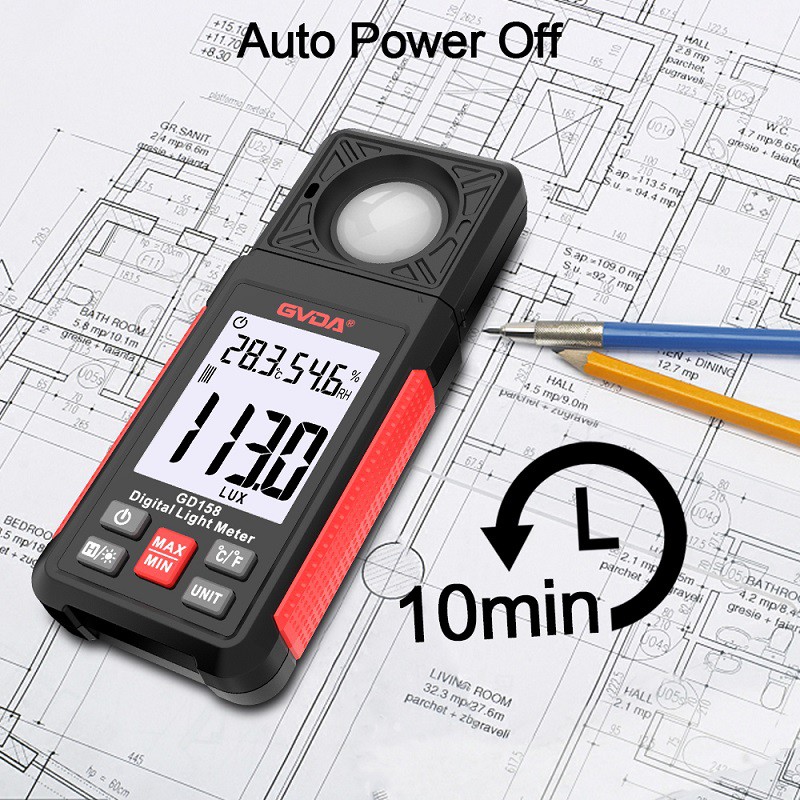
◆Open the head cover of the light detector, and place the light detector at the horizontal position of the light source to be measured.
◆Read the measurement value of the lux meter LCD.
◆When reading the measured value, if the left high digit "1" is displayed, it means that the overload phenomenon should be selected immediately.
◆When setting the file position of 20000LUX/fc, the displayed reading value must be ×10 times to be the true value of the measurement. When setting the 200,000LUX file position, the displayed reading value must be ×100 times to be the true value of the measurement.
◆Reading value lock switch: Press the HOLD switch once, the LCD will display the "H" symbol, and display the locked value. Press the HOLD switch again to cancel the reading lock function.
◆Peak lock: To measure optical pulse signal, press PEAK switch once, LCD will display "P" symbol and pulse peak value. Press the PEAK switch again to return to the normal test.
◆After the measurement work is completed, put the light detector head cover back, and switch the power switch to OFF.