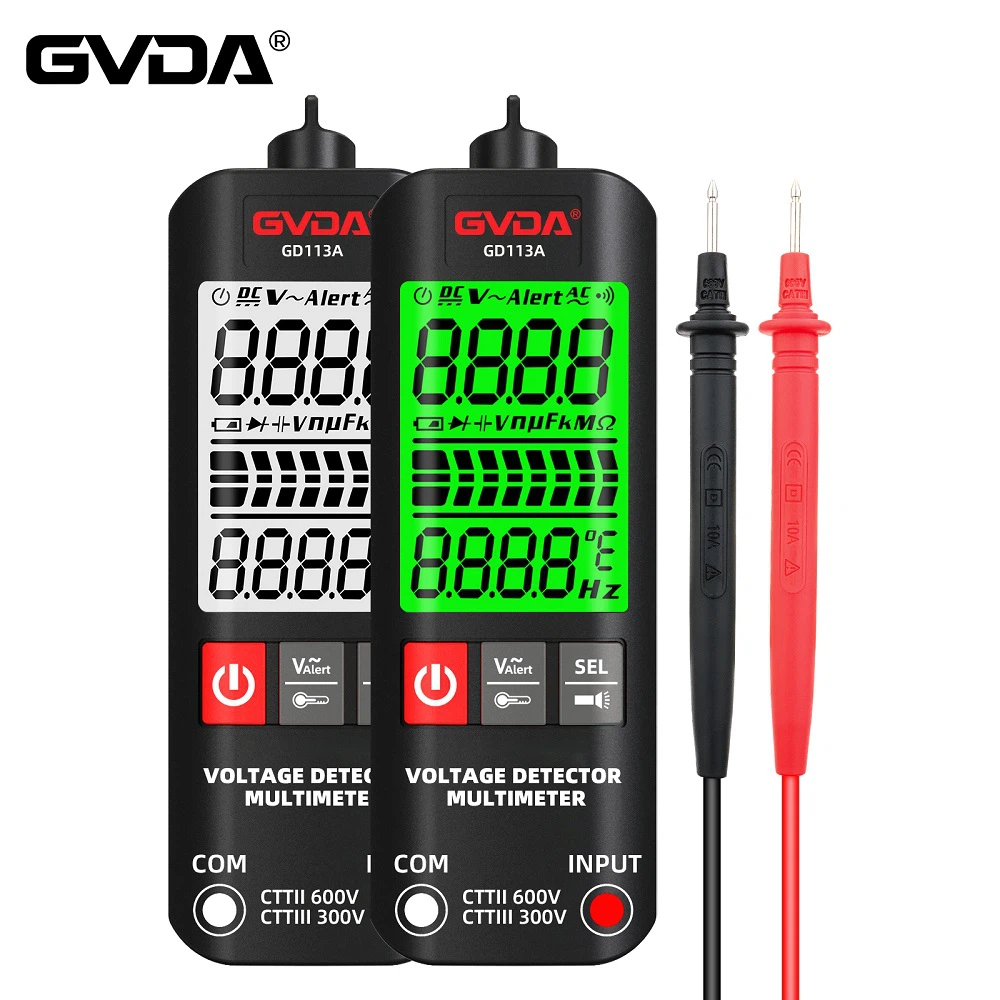
How to use a multimeter to measure solar panel output current
A multimeter is a multi-purpose electronic measuring instrument, which is divided into two types: pointer multimeter and digital multimeter. A multimeter can be used to measure current, and when a multimeter is used to measure current, it must be divided into DC and AC. If it is to repair electronic circuit boards, most of them measure DC current, and most of them are low voltage and small current. First estimate the approximate current and select the measurement file. The black test pen is inserted into COM, and the red test pen is based on the measured size. A friend asked how the solar panel can know that the battery is being charged during the use of the solar panel? Today I will show you how to test the current of the solar panel with a multimeter. First prepare a solar panel, solar panel controller, batteries, and a multimeter.
1. First, we plug the red test lead on the multimeter to the 20A icon, the black test lead to COM, and then adjust the multimeter gear to 20A
2. Then we connect the battery cable to the controller and connect the battery pattern end according to the red positive and negative
3. Connect the positive pole of the solar panel to the place where the solar pattern is displayed on the controller, and connect the negative wire of the solar panel with one end of the test pen.
4. Then connect the other section of the test leads to the negative pole of the solar panel pattern end on the controller. The current condition can be displayed.