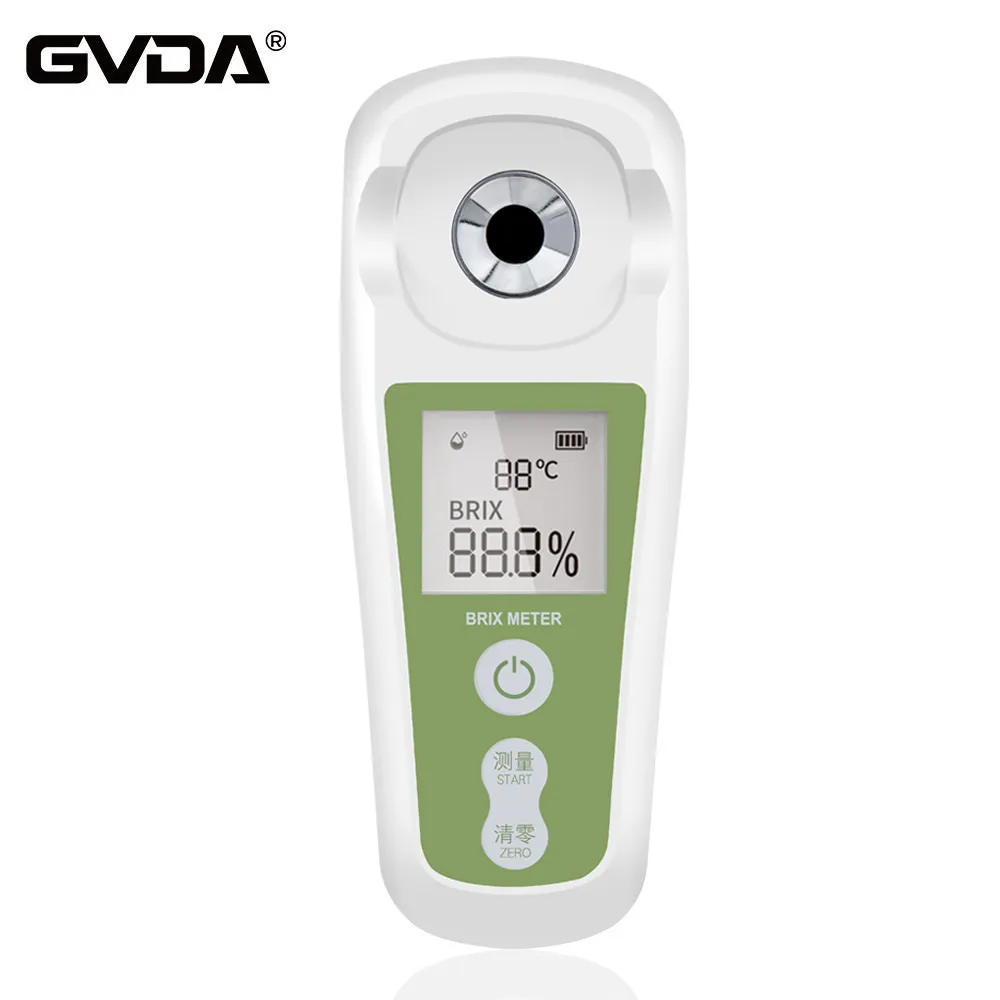
Instructions for use of PAL-1 Brix Meter
1. Zero adjustment
1. Prepare distilled or tap water;
2. Clean the prism surface;
3. Drop about 0.3ml of water onto the prism surface;
4. Press the "START" button, the arrow on the display will flash three times and the Brix value will be displayed;
5. If it shows 0.0%, it means that the zero adjustment has been successful;
6. If the displayed value is not 0.0%, press the "ZERO" key to reset to zero;
7. The instrument displays 0000, and the zero adjustment is completed. Wipe the water on the prism with a soft cloth or paper towel. Now the sample can be measured.
2. Test samples
1. Clean the prism surface;
2. Drop about 0.3ml of the tested sample onto the prism surface;
3. Press the "START" key;
4. The display shows the Brix value;
5. The Brix value will continue to display for one minute. To power off, press and hold the START button for more than 2 seconds;
6. Wipe off the sample, drop some water to the prism and dry it.
Note: Do not use a metal spoon when adding samples to the prism surface to avoid scratching the prism surface.
If the temperature of the sample is different from that of the prism surface, the sample should be placed on the prism surface for a period of time before measuring.
3. Error message
AAA: Zeroing error.
1. During zero adjustment, no distilled water is placed on the prism surface.
2. When zeroing, other solutions are placed on the prism surface instead of distilled water.
LLL: Sample error.
1. During the test, no sample was placed.
2. Battery power is low.
HHH: out of range
Sample measurements above 53% (PAL-1)
←: temperature error
Prism surface temperature is lower than 10℃ or higher than 40℃