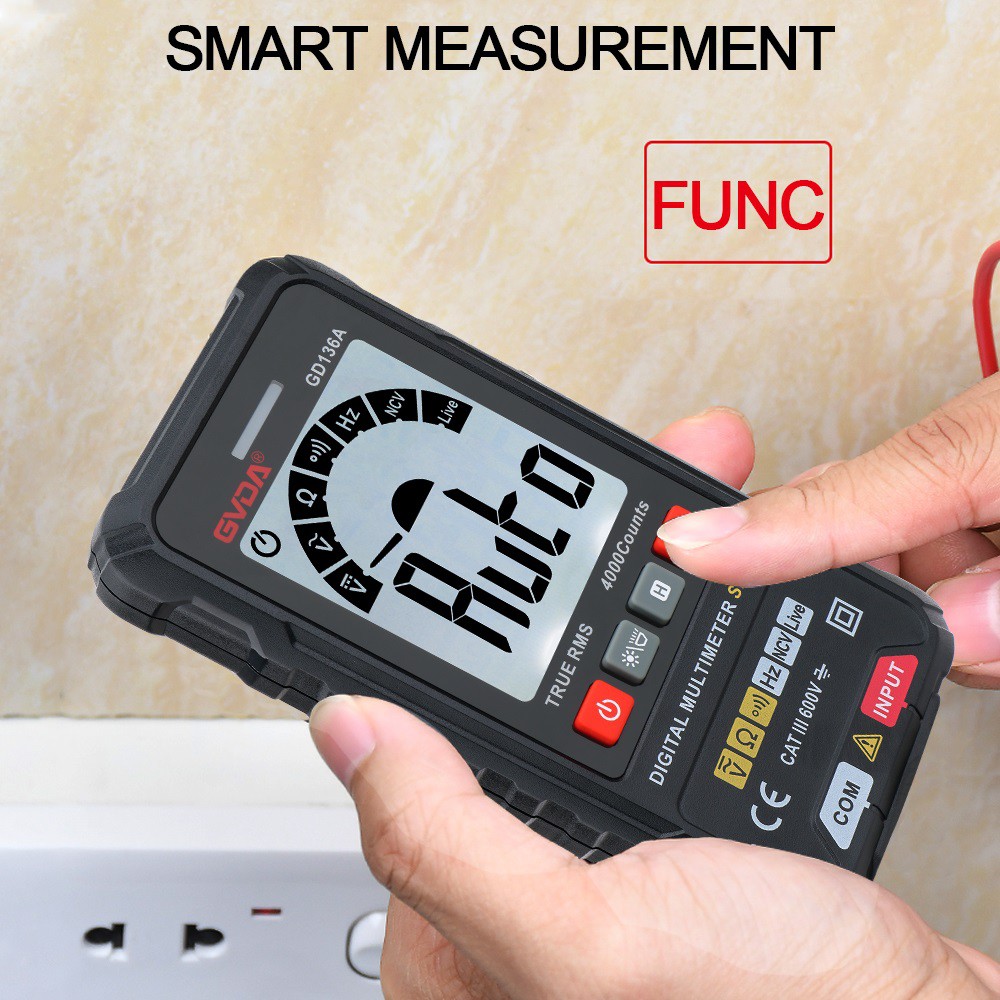
Introduction to the Functions of These Function Keys of the Multimeter
Due to its rich functions, portability, high measurement accuracy, and convenience for direct reading, most of the multimeters in the hands of electricians are digital ones. In recent years, with the significant price drop of digital multimeters with automatic range conversion, this type of multimeter has also become a standard tool for industry colleagues. However, for the multimeter you purchased with money, do you really understand all of its functions, and are you fully aware of the functions corresponding to its function keys? Today, we will start by talking about some commonly seen function keys with English annotations on most digital multimeters, in order to popularize the knowledge and help everyone fully utilize the functions of this powerful tool in their hands.
ON/OFF: Almost everyone knows the meaning of this function key with the English annotation - power on/off. However, if the power on/off key of your multimeter is a touch self-locking button, you need to be careful not to operate it frequently. Otherwise, the service life of this button will be greatly reduced. To be honest, some colleagues are really not good at replacing this button!
HOLD: This function key with the English annotation is the value hold function key. This function retains the required data on the screen for recording or comparison. In addition, when it is not convenient to read the value during the measurement process, the existence of this function is also of great significance.
REL: This function key with the English annotation is the zeroing/calibration function key. This function is mostly used in environments where precise measurement of resistance values, capacitance values, etc. is required. As is well known, due to the existence of the multimeter probes, errors will occur during the measurement of small resistance values and small capacitance values! If you press this function key before measurement to make the indicated value of the multimeter return to zero (or approach zero to the greatest extent), and then perform the measurement operation, the measurement error will be greatly reduced. In addition, this function can also be used for self-checking the functions of the multimeter.
SELECT: This function key with the English annotation is the measurement type switching function key. In order to overcome the inherent mechanical wear characteristics of the traditional measurement function conversion dial switch of the multimeter, some multimeter manufacturers, while greatly reducing the number of measurement selection ranges, endow individual measurement ranges with multiple functions. For example, the voltage V range often has both AC and DC measurement functions at the same time; the resistance Ω range usually has three measurement functions: resistance, diode bias voltage, and continuity/open circuit, and the selection and switching are completed by this function key. Of course, for those colleagues who are not careful enough in their work, this type of multimeter is simply a catalyst for "burning out the meter"!