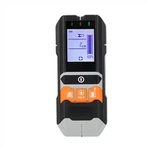
How to Replace fuse for your Smart Multimeter GD119B? let us see the below guide for your reference:
1) Turn off the meter power and remove the probes.
2) Remove the screw fixing the back cover and remove the back cover.
3) Remove the burnt out fuse, replace it with a new one of the same specification, and ensure that the fuse is installed in the safety clip and clamped tightly.
4) Install the back cover and fix it with screws.
Color LCD Digital Multimeter 6000 Counts GD119B Product Show as below: