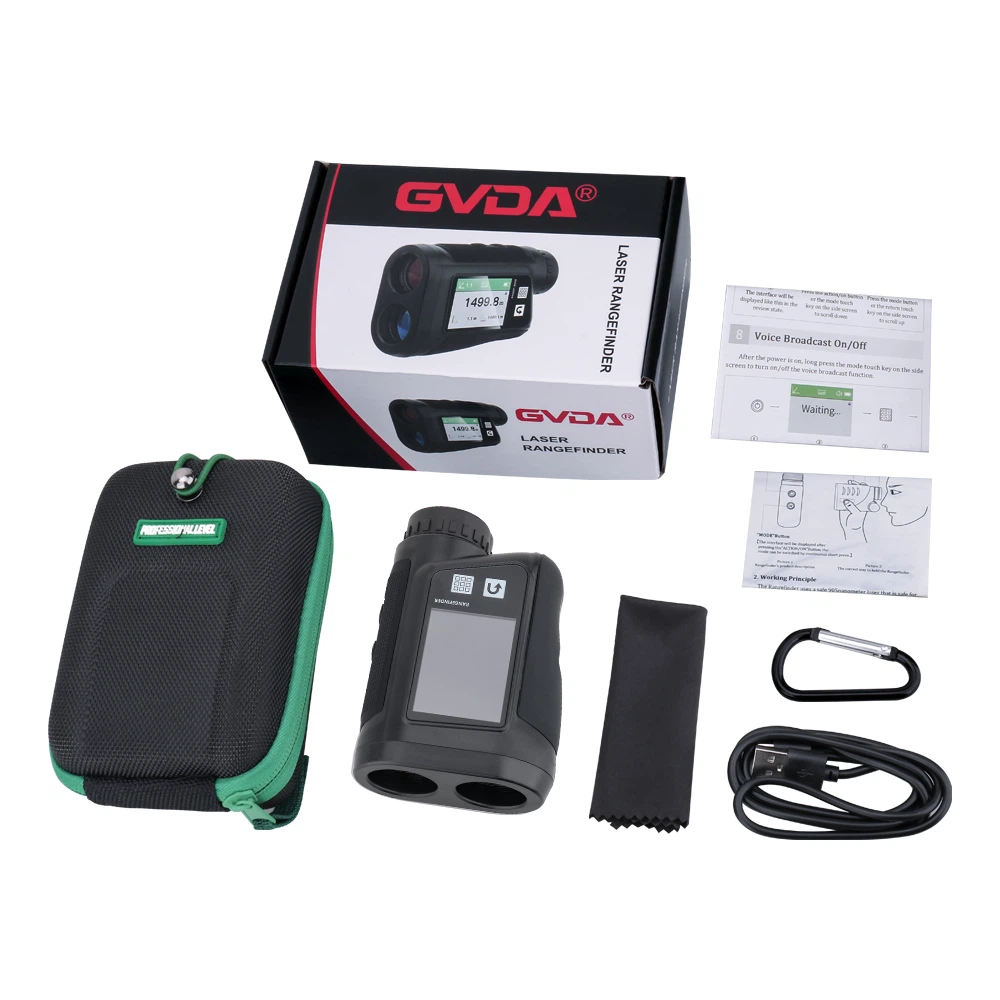
Some Measuring Skills of Handheld Laser Rangefinder
1 addition and subtraction.
Addition and subtraction of measured values are carried out as follows: Measured +/- Measured +/- Measured +/... = Result. The same method can increase or decrease area and volume.
2 area.
Press the Area/Volume key to measure the area. The two necessary measurements are taken and the corresponding results are displayed on the screen.
3 volumes.
Press the area/volume key twice to measure the volume and the corresponding icon will appear on the display. After the three necessary measurements, the corresponding results are displayed on the screen.
4 Indirect measurement.
The instrument can calculate distance by Pythagorean law. This function is suitable for edges that are not suitable for direct measurement or are dangerous.
(1) This method is only used to measure distance and cannot replace accurate measurement.
② Determine the order of measuring sides.
③All measurement points must be perpendicular or parallel to the plane.
④In order to ensure the accuracy of the measurement, it is best for the instrument to rotate from a fixed point to measure.
5 Save constants/measured values Save constants/measured values.
5.1 Storing constants.
A common value can be saved for recall. Measure the desired distance, press and hold the memory key until you hear a beep, then save the desired value.
5.2 Readjust the constants.
Press the storage key to recall the constant, and the constant can be calculated at this time.
5.3 Delay Measurements.
Press the timing button, the corresponding time will flash on the screen, press the +/- button to adjust the required delay time, and then press the READ button, then the countdown will start until the value will be displayed on the display after the measurement.