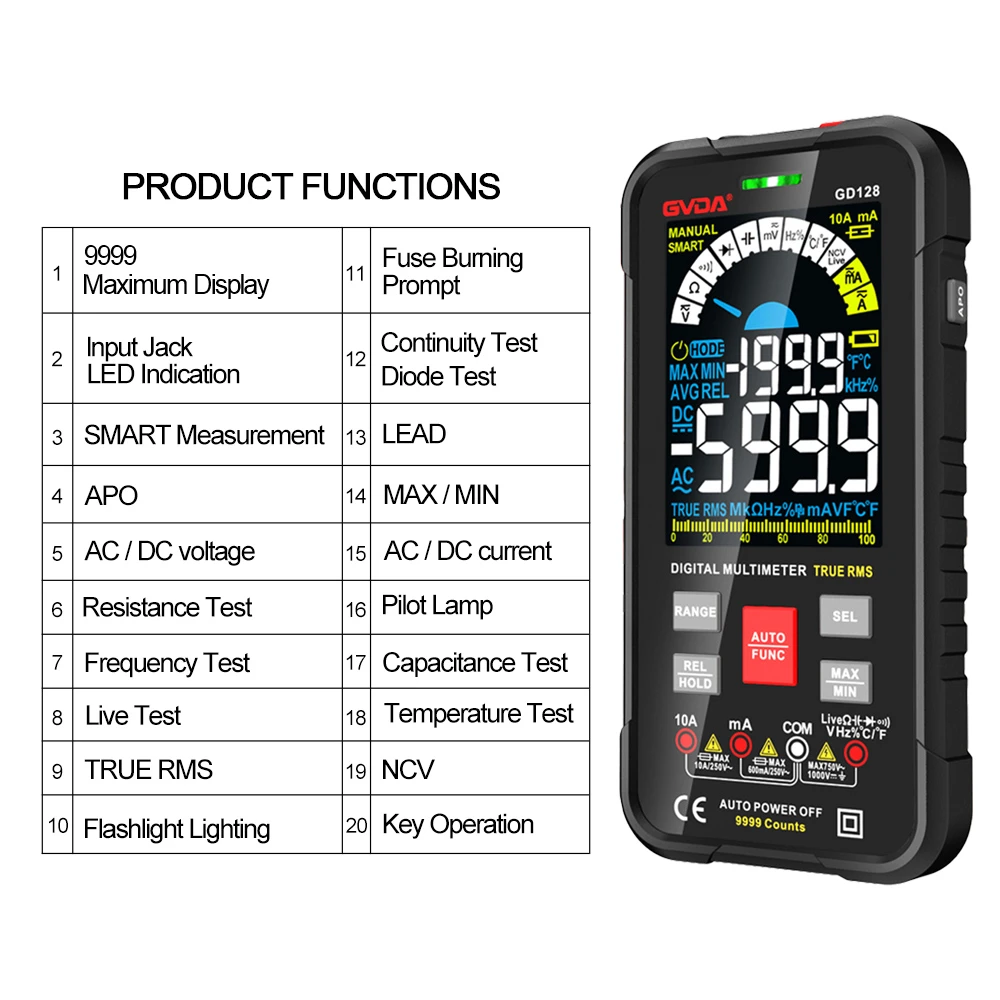
Troubleshooting Common Issues of Digital Multimeters
(1) No Display on the Meter
First, check if the battery voltage is normal (a 9V battery is typically used; even a new one should be tested). Next, check if the fuse has blown, if the voltage regulator is functioning properly, and if the current-limiting resistor is open-circuited. Then, inspect the circuit board for corrosion, short circuits, or open circuits (especially in the main power supply circuit). If such issues exist, clean the circuit board, and promptly dry and re-solder the affected areas.
If the circuit board is normal, measure the voltage at the two power input pins of the display integrated circuit (IC). If the voltage is normal, the IC is damaged and must be replaced. If the voltage is abnormal, check for other short-circuit points. If found, address them immediately. If no short-circuit points are found or the issue persists after repair, the IC has an internal short circuit and must be replaced.
(2) Inoperable Resistance Range
Visually inspect the circuit board for burnt resistors in the resistance range circuit. If any are found, replace them immediately. If not, test each connected component and replace any faulty ones. If all peripheral components are normal, the integrated circuit is damaged and must be replaced.
(3) Inaccurate Reading on Voltage Range When Measuring High Voltage, or Inaccurate/Unstable Reading After Prolonged Measurement
Such faults are mostly caused by insufficient power rating of one or more components. If these components are found to be hot within a few seconds after stopping the measurement, it is due to the thermal effect caused by insufficient power rating. The component (or integrated circuit) must be replaced.
(4) Inoperable Current Range
This type of fault is mostly caused by improper operation. Check if the current-limiting and voltage-dividing resistors are burnt; if so, replace them. Then, check if the connecting wires to the amplifier are damaged; if so, re-connect them. If the issue remains, replace the amplifier.
(5) Unstable Reading with Jumping Digits
Check if the entire circuit board is damp or has leakage current; if so, clean the board and thoroughly dry it. Check for poor contact or cold solder joints in the input circuit (including the test probes); if found, re-solder them. Check for resistors that have changed in value or components that become abnormally hot immediately after testing (a sign of reduced power rating); if such issues exist, replace the component.
(6) Inaccurate Reading
This phenomenon is mainly caused by failed resistors or capacitors in the measurement circuit; the faulty component must be replaced. Check the resistance values of resistors in the circuit (including those affected by thermal drift); if the resistance has changed or drifts with temperature, replace the resistor. Check if the resistors and capacitors in the reference voltage loop of the A/D converter are damaged; if so, replace them.