Can a spirit level do angle measurements?
A level ruler is a tool used to measure level, generally used to measure levelness and levelness. Sometimes, angle measurement is required during construction, and a goniometer is needed. Can a level ruler measure angles?
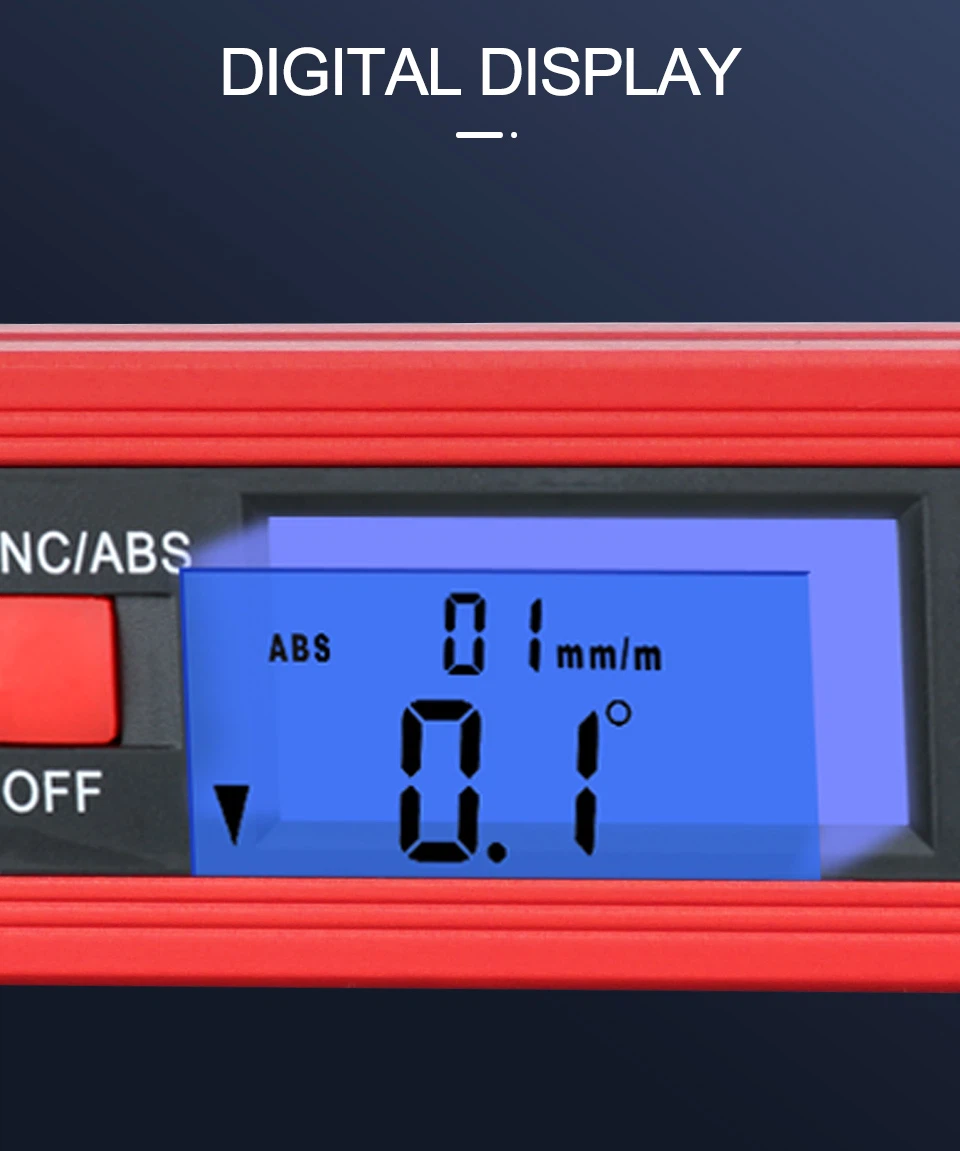
Normally, ordinary level rulers do not have the function of measuring angles and are only used to detect or measure levels and verticality; Of course, there are also level rulers with an angle gauge on the scale surface that can help measure angles. With the development of technology, electronic digital level rulers can also be used to measure angles. Their functions are very powerful. In addition to measuring levels, they can also measure tilt, absolute angle, relative angle, tilt, etc.
How to measure angles with an electronic digital level ruler
Electronic digital level ruler is a relatively advanced level ruler. Compared with ordinary level rulers, it is easier to understand and has more functions. Measuring angles is one of them. Below, we will introduce the method of measuring angles with electronic level rulers:
Absolute angle measurement
Press the "power switch" button to directly enter the absolute angle measurement state, and the LCD screen will display the angle value between the measured surface and the horizontal plane. When the angle between the working surface of the level ruler and the horizontal plane changes, the angle value will also change accordingly. When the tilt direction prompt displays "/", it indicates that the horizontal ruler is lower on the left and higher on the right, and the displayed angle value is a positive number; When displayed as "", it indicates that the horizontal ruler is high on the left and low on the right, and the displayed angle value is negative; When the measured angle exceeds the measurement range, the level will display an error prompt.
Relative angle measurement
Place the level ruler on the first measured surface, press the "Absolute/Relative" button, and it will display 0.00; At the same time, the relative angle measurement prompt "<" appears in the upper right corner of the LCD screen. The level ruler is moved to the second measured surface, and the displayed value on the LCD screen is the relative angle between the two measured surfaces. Press the "Absolute/Relative" button again to switch to absolute angle measurement.