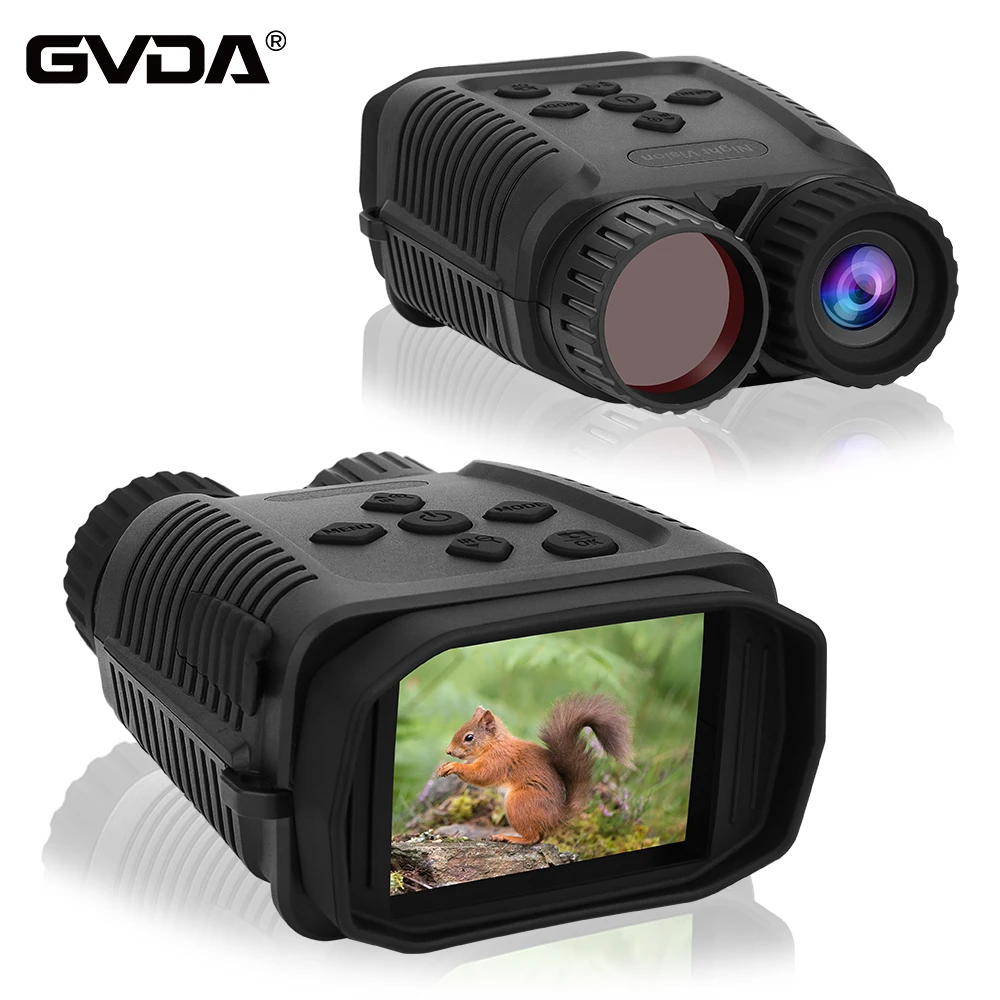
How to Inserting Memory Card to your GVDA GD900 Night vision device ?
Below is operation guide may help you:
♦ Please prepare a Class 10 Micro card(up to 32GB) in advance.
♦ Open the card slot cover, you will see the card slot.
♦ Insert the Micro SD card into the slot. Make sure the direction is right. Never insert the card forcibly.
♦ Format the Micro SD card,this can improve the compatibility of Micro SD card.
♦ To remove the card from the memory card slot of the device, press the edge of the memory card in
gently, the card will pop out. Then remove the card.
Note:The device will prompt “Please insert SD card”if the TF card did not installed.