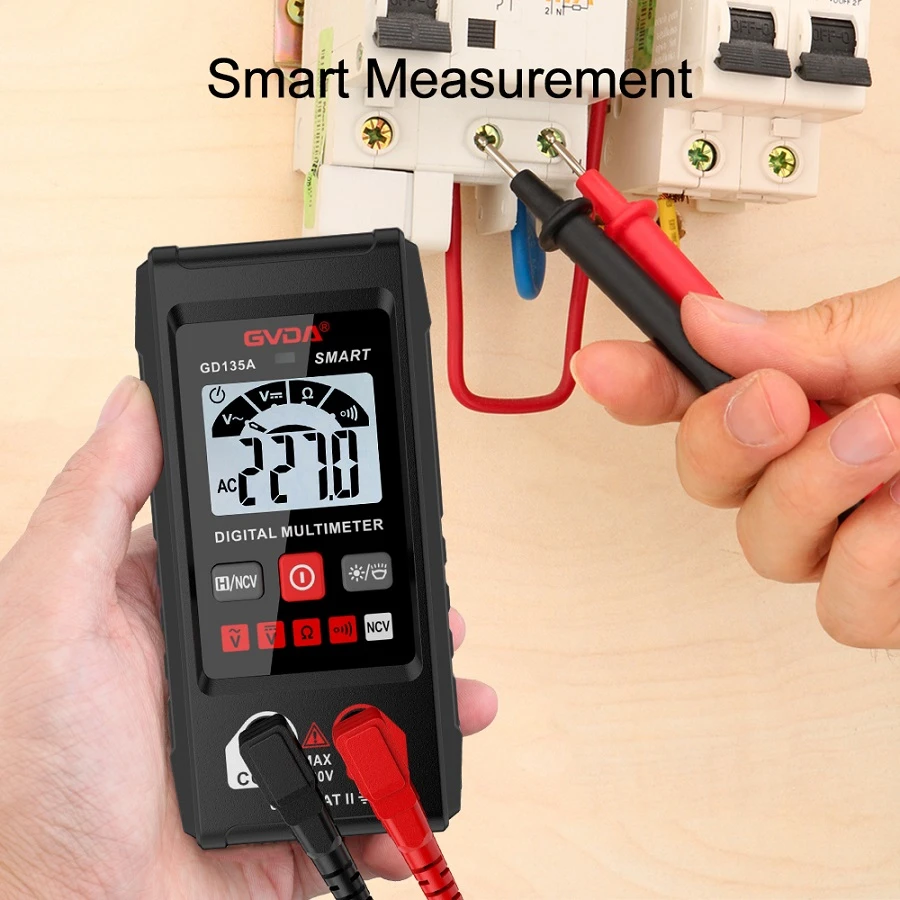
How to Measure Cable Breakage with Digital Multimeter
The method of judging the break point of wire and cable with digital multimeter is as follows: when the cable or cable breaks internally, due to the package of external insulation,
The exact position of the broken line is not easy to determine. This problem can be easily solved with digital multimeter. Specific methods: Connect one end of the wire (cable) with a breakpoint to the live wire of 220V commercial power, and the other end is suspended. Pull the digital multimeter to AC2V gear,
From the live wire connection end of the wire (cable), hold the nib of the black stylus with one hand, and move the red stylus slowly along the insulation of the wire with the other hand. At this time, the voltage displayed on the display screen is about 0.445 V (measured by DT 890D meter).
When the red stylus moves somewhere, the voltage displayed on the display screen suddenly drops to 0.0 volts (about one tenth of the original voltage).
The wire (cable) breakpoint is located about 15cm forward (the live wire access end) from this position.
When using this method to check the shielded wire, if only the core wire is broken and the shielding layer is not broken, then this method is powerless.
How to detect the broken wire with digital multimeter
1. First, prepare the digital multimeter for standby. It is convenient to measure whether a wire is on or off with the multimeter.
2. Then put a wire on the desktop.
3. Insert the red plug of the multimeter into the rightmost socket and the black plug into the COM socket.
4. Then turn the middle knob to the small horn.
5. Then let the metal touch both ends of the bare metal wire of the wire. If there is a sound, there is a numerical change, which means that the wire is fine.
6. If there is no sound and there is no change, the numerical display 1 means that the wire is broken and the resistance is infinite.