How to measure the frequency of the UPS power supply with a digital multimeter
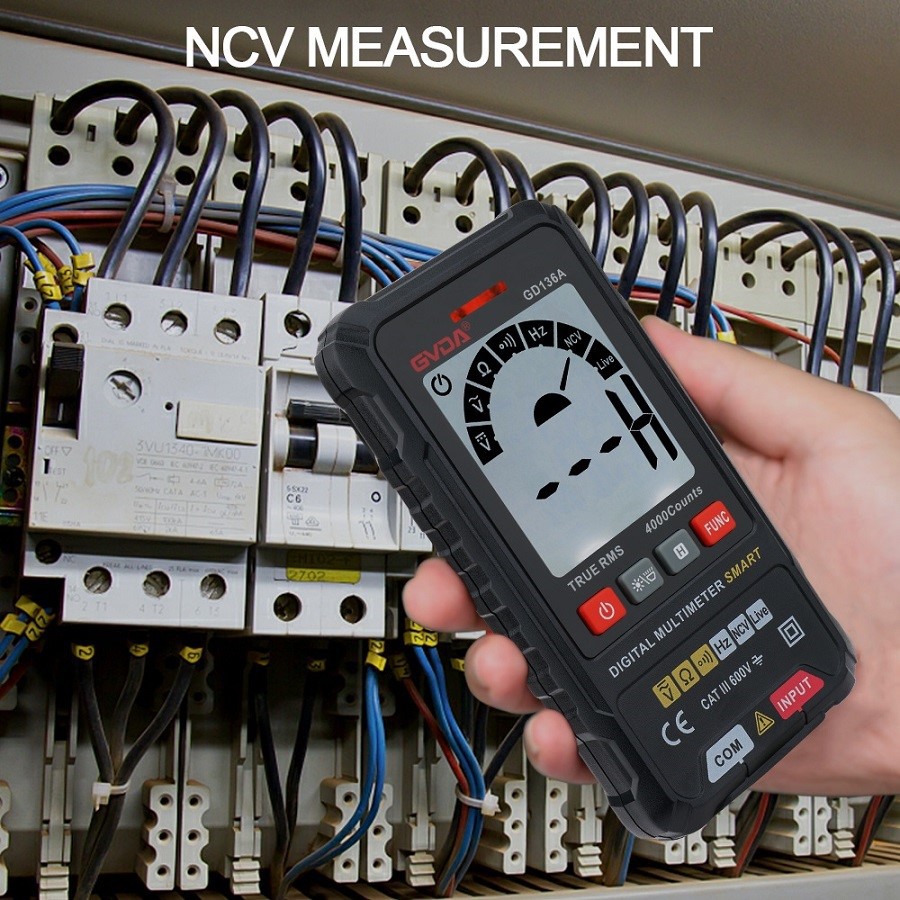
How does a digital multimeter measure frequency? How does a digital multimeter measure UPS power frequency?
For UPS power supply. The stability of the voltage at its output terminal is an important parameter, and the frequency of its output is also important. However, you cannot directly use the frequency block of a digital multimeter to measure because the voltage that the frequency block can withstand is very low. Only a few volts. At this time, you can connect a 220V/6V or 220V/4V step-down transformer to the output end of the UPS power supply to reduce the voltage without changing the frequency of the power supply. Then connect the frequency block to the output of the transformer to measure the UPS power supply. Frequency of.
In general, the use of digital multimeters must be operated in the correct way. You cannot use it blindly without understanding the principles and functions. Reasonable and correct operation will also help the digital multimeter to be better used by us and extend the life of the instrument. life.
Frequency is the number of cycles a signal completes per second. Some digital multimeters can measure, such as the FT215 digital multimeter, which measures the frequency of a signal by counting the number of intersections between the measured signal and the trigger level per second. The trigger level of all ranges is the same as the COM terminal level. Under the AC measurement function, press the SHIFT key to start and stop the frequency measurement function. Frequency measurements are for AC only. When measuring frequency, the analog pointer display and range display indicate the current AC voltage or current. Use the manual range function to progressively select lower ranges to obtain stable readings.