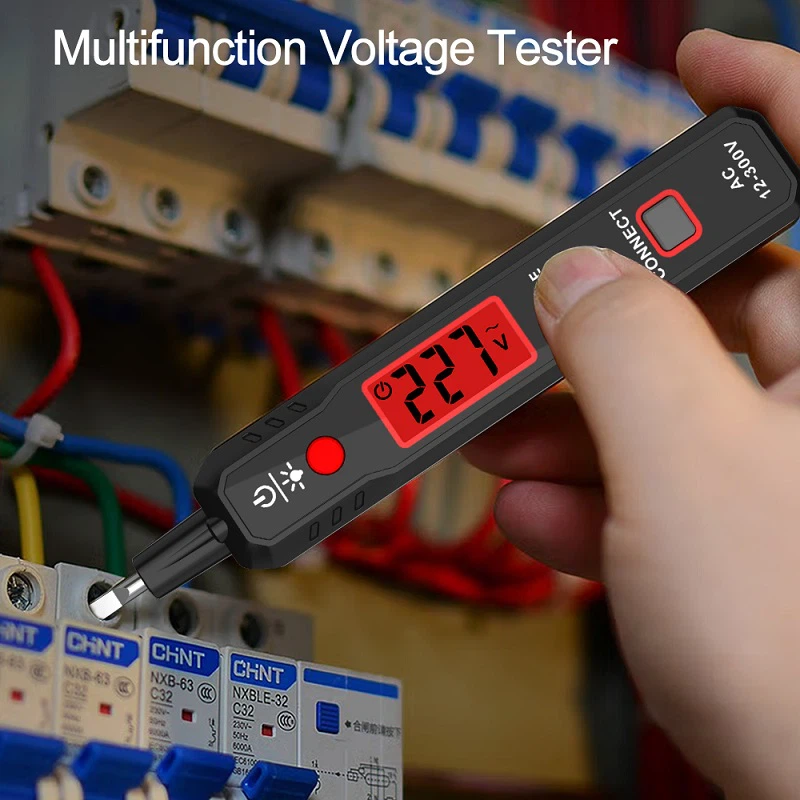
How to use a digital display tester?
Answer: The correct use of digital measuring pens should include the following:
(1) Button Description:
(A key) Direct, directly measure the button (far from the LCD screen), that is, when using the pen tip to directly contact the circuit, please press this button.
(B key) INDUCTANCE, sensing measurement button (closer to the LCD screen), that is, when using the pen tip to sense the contact line, please press this button.
Note: Regardless of how the pen is printed, please remember that the one far away from the LCD screen is for direct measurement; The proximity to the LCD is the sensing key.
(2) The digital measuring pen is suitable for directly detecting AC and DC currents ranging from 12 to 250 V, as well as indirectly detecting the neutral, phase, and break points of AC currents. It can also measure the continuity of uncharged conductors.
(3) Direct detection:
① The final number represents the measured voltage value.
② When the high break display value has not reached 70%, the low break value is displayed.
③ When measuring direct current, touch the other pole with your hand.
(4) Indirect detection: Hold down the B key and bring the pen tip close to the power cord. If the power cord is live, the high voltage symbol will be displayed on the display of the digital pen.
(5) Breakpoint detection: When holding down the B key and moving longitudinally along the wire, the breakpoint is located at the point where there is no display in the display window.