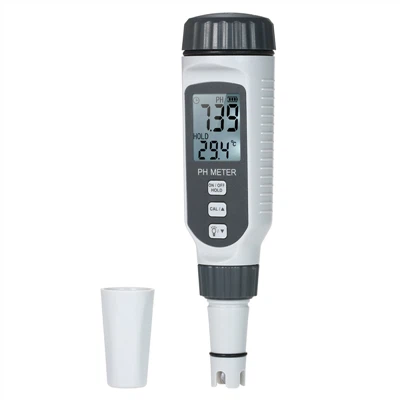
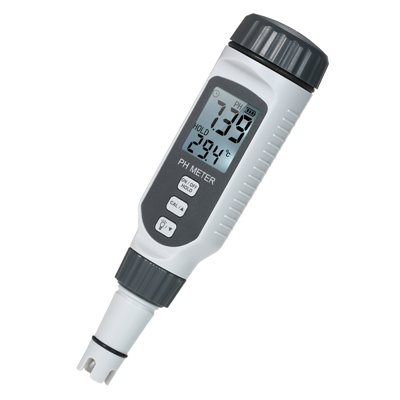
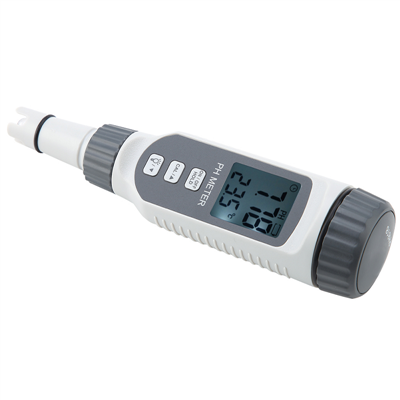
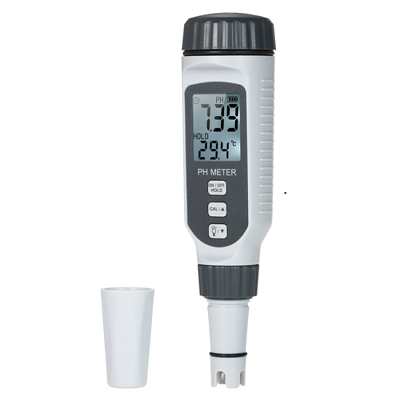
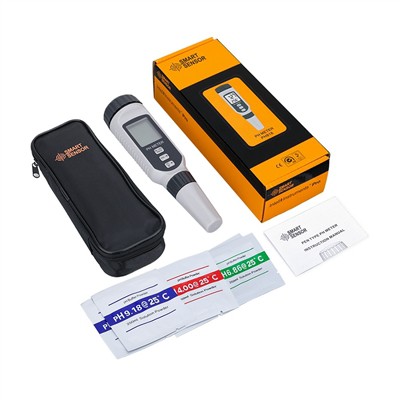
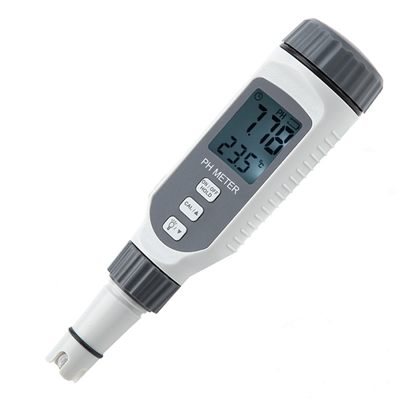
How to use GVDA Sound Level Meter Digital Handheld DB Meter GD151A GD151B
Measurement
1. Open the protection cover of the meter.
2. Press the button to turn on the power.
3. After the power is turned on, the meter will start to display the sound pressure level reading.
4. Hold the meter and let the microphone face the sound source to be measured.
5. Read the measured value from the display.
6. Press the button to turn off the power.