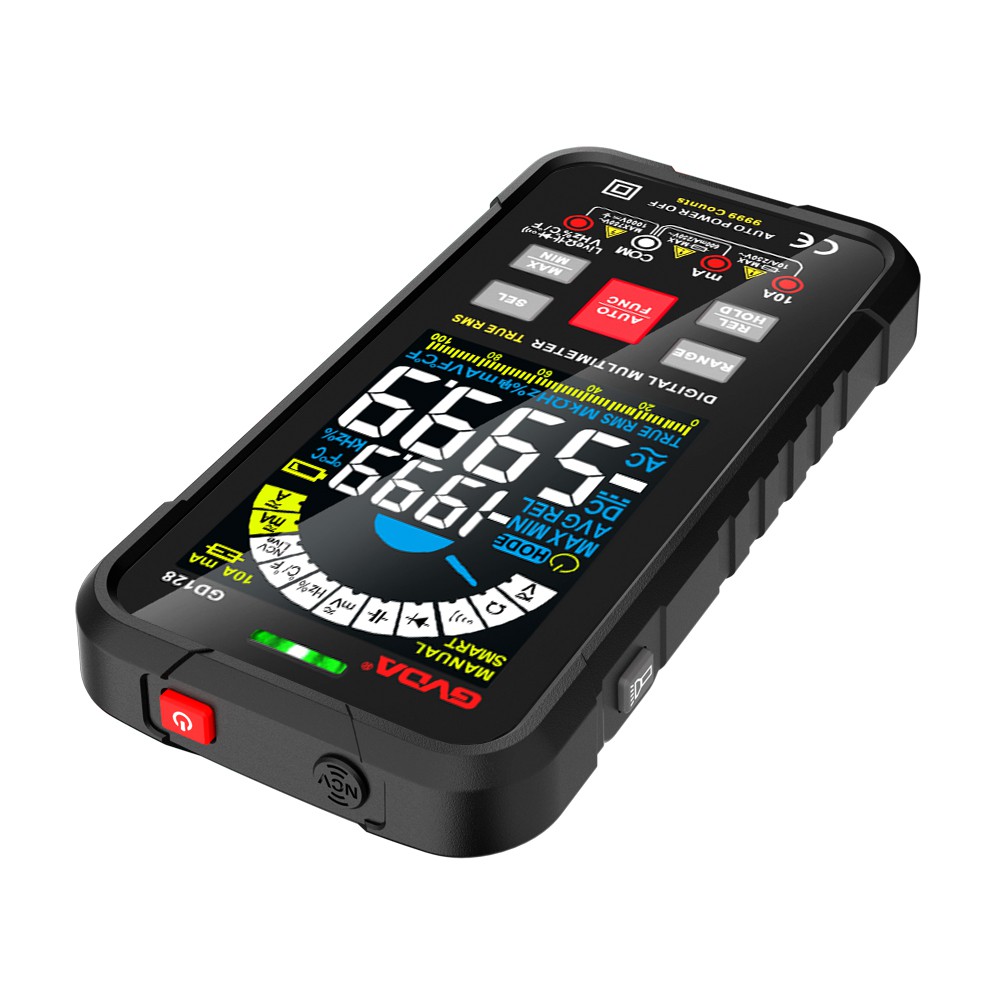
Introduction to How to Use a Multimeter to Test Memory Chips
How to Test Memory Chips with a Multimeter
The mainboard has 64 data pins (D0-D63) for memory, each protected by a small current-limiting resistor (10Ω) to safeguard the data pins. Memory testers work by programmatically testing each data pin of the memory chip for shorts or breakdowns, as well as checking clock and address pins. Here's how to adapt this approach using a multimeter:
Testing Method
Ground Reference: Connect the red probe to the ground (pin 1) of the memory module.
Resistance Measurement: Use the black probe to measure the resistance of the pull-down resistors connected to each data pin (D0-D63).
Normal Operation: All functional data pins should show consistent resistance values (typically around 10Ω, depending on the circuit design).
Fault Identification: A significantly lower or higher resistance on a pin indicates a faulty chip or shorted trace.
This method can help identify faulty DDR memory chips, though it is less intuitive than using a dedicated tester.
Key Notes on Chip Configuration
Group Designation:
2A: Represents Group A (e.g., the first set of chips in a dual-channel configuration).
2B: Represents Group B (the second set).
Chip Organization:
A 16-bit memory system uses 8 chips (equivalent to 2 groups).
An 8-bit system uses 16 chips (also 2 groups).
Testing Protocol: Cycle through each chip's data pins in both groups. A chip is considered good if it passes 3–5 test cycles without errors (displaying "PASS"). Faulty chips will flag specific bad data pins.
Common Issues and Solutions
Boot Failure During Testing:
Likely causes: Short-circuited chips or PCB traces.
Solution: Remove suspect chips and test them on a known-good PCB to isolate the problem.
SPD Chip Exclusion: Memory testers do not test SPD chips, as they are optional for basic functionality.
Burned Gold Pins: If the memory module's gold fingers are damaged, remove the chips and test them on a functional PCB to assess their integrity.
Precautions
Always power off the system before testing.
Use a multimeter with a low-ohm range (e.g., 200Ω) for accurate readings.
Compare resistance values against a known-good memory module for reference.