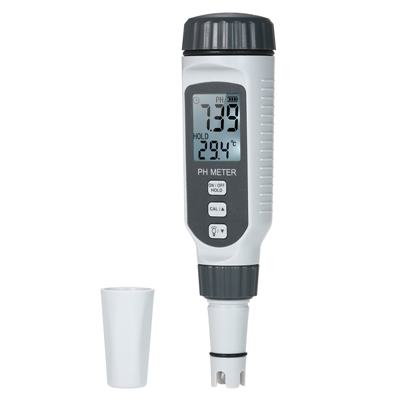
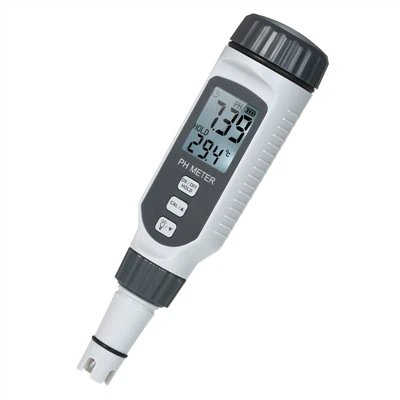
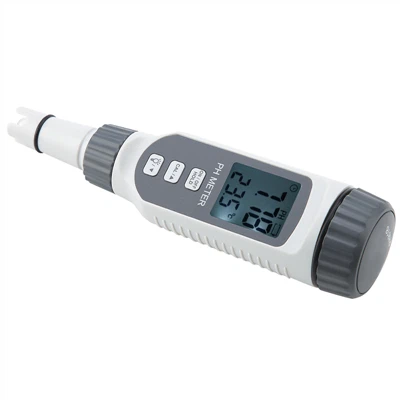
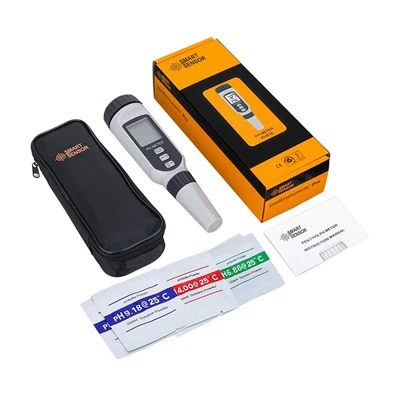
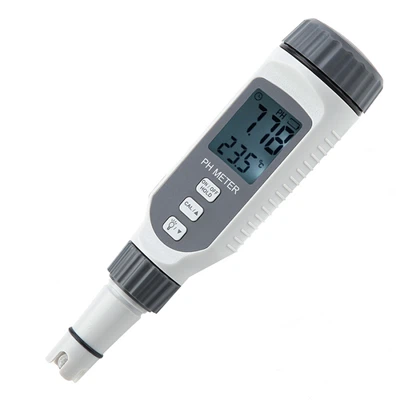
Radiometer PH Meter Calibration Procedure Measuring Electrodes
Precautions to be taken before use of Ray magnetic PH meter:
Electrode stem screwed into the electrode stem socket, adjust the electrode clamp to the appropriate position dial, pull off the short circuit socket.
Composite electrode clamp on the electrode clamp pull down the electrode sleeve at the front of the electrode. Clean the electrode with distilled water, after cleaning with filter paper to absorb dry. The power cord is plugged into the power socket.
After the power supply is turned on, warm up for 30min, and then calibrate the instrument to be calibrated before use. Generally, the instrument should be calibrated once a day when it is in continuous use.
Calibration Steps for Magnetic PH Meter
Insert the composite electrode into the measuring electrode socket;
Set the selector switch to PH;
Press the "Temperature" button to make the instrument enter the solution temperature adjustment state, and press "▲" or "▼" on the "Temperature" key to adjust the temperature display value to rise. Press "▲" or "▼" on the "Temperature" button to adjust the temperature display value to rise or fall, so that the instrument displays the temperature of the current solution temperature value, and then press the "Confirm" button, the instrument to determine the solution temperature and then return to the pH measurement state.
Use Lei magnetic PH meter to insert the electrode which has been cleaned with distilled water and dried with filter paper into the standard solution of pH=6.86, and press the "Positioning" key after the reading is stable (at this time, the PH indicator light is flashing slowly, which indicates that the instrument is in the positioning and calibration state), and then press the "▲" key on the "Positioning" key. Press "▲" or "▼" on the "Positioning" key to adjust the pH display value up or down, so that the instrument display reading is consistent with the pH value of the buffer solution at that time under the temperature, and then press the "Confirm" key (e.g.). Mixed phosphate 10 ℃, pH = 6.92).
Turn the slope adjusting knob clockwise to the end (i.e., adjusted to 100% position); adjust the positioning adjusting knob, so that the instrument display readings and the buffer solution at the time of the temperature set down when the pH value is consistent (such as mixed phosphate positioning temperature of 100C, pH = 6.92)
Cleaned with distilled water, filter paper absorbent electrode inserted into pH = 4.00 (or pH = 9.18) of the standard solution, to be read after the stabilisation of the "slope" key, press the "slope" key "▲" or "▲" on the key Press "▲" or "▼" on the "slope" key to adjust the pH display value to rise or fall, so that the reading is the pH value of the solution at that time, and then press the "Confirm" key, the instrument enters into the pH measurement state, the pH indicator stops blinking, and the instrument completes the calibration. Measurement can only be carried out after the calibration is completed