Some Operations of a Digital Multimeter and How to Operate It
1. Measure the DC resistance value of the relay coil
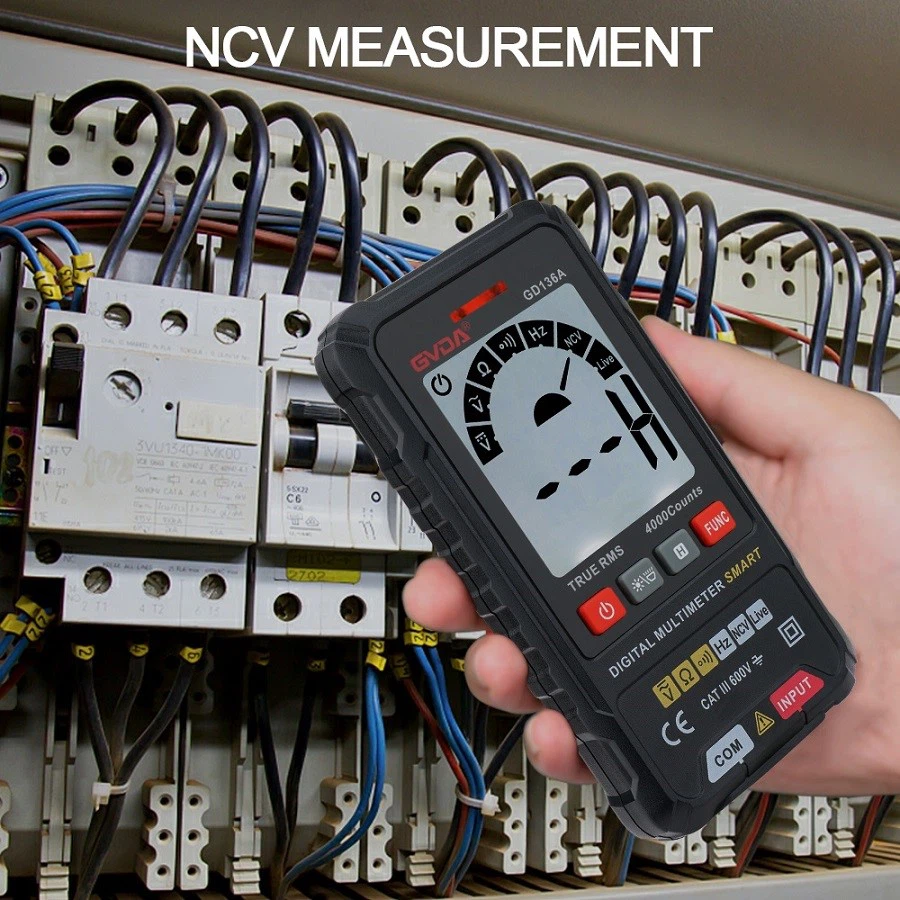
The method of measuring the DC resistance value of a relay with a digital multimeter is similar to that of a pointer multimeter. According to the nominal DC resistance value of the relay, place the multimeter in the appropriate resistance range and connect either probe to the lead pin of the relay coil for measurement, as shown in Figures 4 and 96. Compare the test results with the nominal values. If the error is within ± 10%, it is considered normal; If the resistance value is significantly lower, there is a local short circuit fault in the coil; If the resistance value is zero, it indicates that the coil is short circuited; If the multimeter displays the overflow symbol "1", it indicates that the coil is open circuit.
2. Measure the suction current
The method of measuring the pull in current is the same as that of a pointer multimeter. Place the digital multimeter in the DC current 200mA range, connect it in series with the relay coil, 5, 1k Ω potentiometer, and 200 Ω resistor, and connect them to both ends of 20V DC.
Before measurement, first adjust the potentiometer to the maximum resistance value, then turn on the DC power switch and slowly adjust the potentiometer to reduce the resistance value. When the relay just produces a pull in action, the current value displayed on the multimeter is the pull in current of the relay.
3. Measure the release current
After measuring the pull in current in the previous step, the circuit remains unchanged and continues to measure the release current. When measuring, slowly adjust the potentiometer to increase the resistance value while the relay is in the closed state. When the relay first releases, the current value displayed on the multimeter is the release current of the relay.
4. Measure the contact resistance value of the contact point
Using the 200 Ω resistance range of a multimeter, measure the resistance value between two closed contacts, usually displayed as a few ohms, as shown in Figures 4 and 97. If the overflow symbol "1" is displayed on the screen, it indicates that the two contacts being tested are disconnected.
If using a buzzer for detection, the multimeter should not only display the resistance value between the closed contacts, but also emit a buzzing sound at the same time. If the multimeter displays the overflow symbol "1" and the buzzer does not sound, it indicates that there is no connection between the two contacts being tested.