Using a digital multimeter to measure the zero and live wires
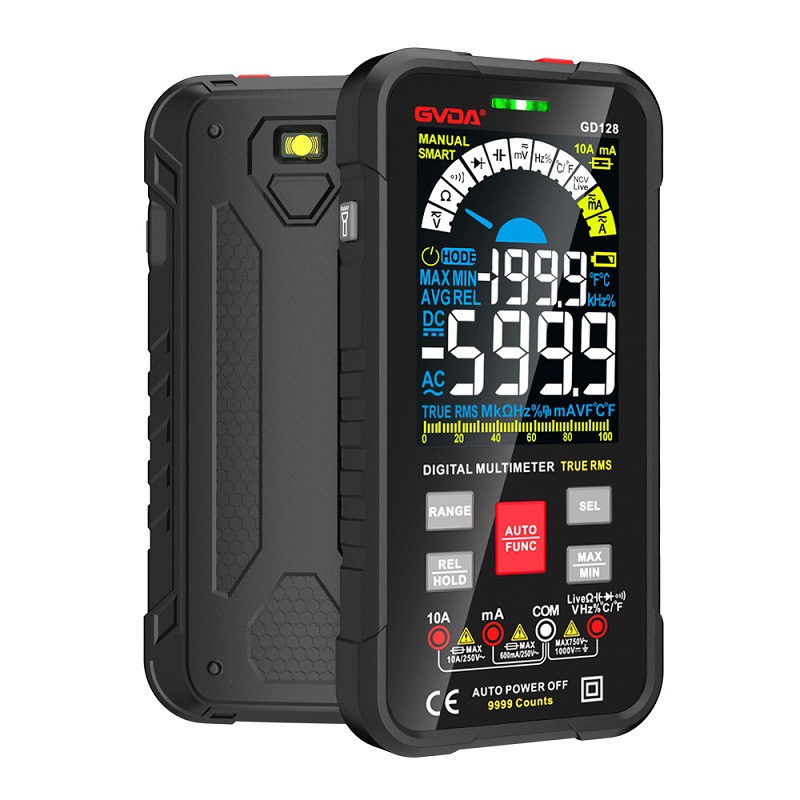
It is very convenient to use a multimeter to measure the neutral and live wires at home, as long as you use a digital multimeter, clamp-type multimeter, or the AC voltage range of a pointer mechanical multimeter. The range switch of the multimeter is set to the AC voltage range (all multimeters should have this function, the range is from 200mV to 750V, generally choose the 200V range, and some clamp meters do not have a 200V range, you can choose a larger range.
The gear of the pointer multimeter should be smaller, you can choose 10 V 100V) and then insert the red and black test leads into V/COM (the jack for measuring the 220V voltage of household appliances at ordinary times) and wind the black test lead wire in the left hand for 2-3 turns (see picture ) Of course, the more the better, pay attention: at this time, the metal needle of the black test lead must not touch the hand, in case of electric shock, then you can test, take the red test lead to test the socket or the zero live wire respectively, and you write down the two measurements As a result, there must be a large and small voltage between them. The large voltage measured is the live line, and the small voltage value is of course the neutral line. If the ground line must have no smaller voltage or even no voltage (depending on your home) The ground wire is not connected!) The difference between the voltage measurement values of the neutral wire and the live wire is clear at a glance.