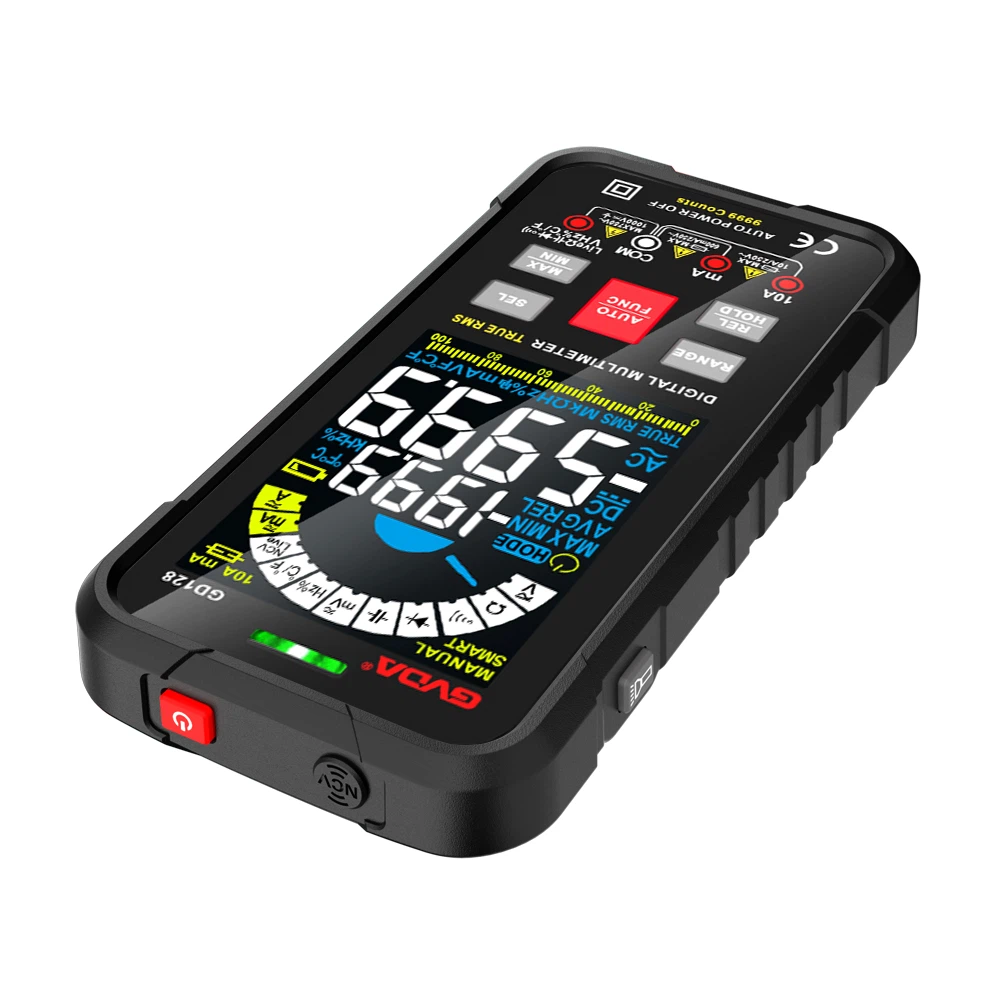
What are the several gears in the resistance file of the multimeter used for?
The functions of several files in the resistance file of the multimeter are:
1. The range of measuring resistance is for you to choose the appropriate range when measuring the resistance value, and the measured value error is smaller and the accuracy is higher.
If you have a resistance of 1000 ohms, the value you measured with the 2000 gear is more accurate than the value measured with 20K, that is to say, the closer the resistance value you measure to that gear, the more accurate the measured value is. higher degree.
2. 0-200Ω use 200 files; 200-2000Ω use 2000 files; 2000-20k use 20K files; 20K-200K use 200K files;
Code of Practice
1. Before use, you should be familiar with the functions of the multimeter, and correctly select the gear, range and test lead jack according to the object to be measured.
2. When the size of the measured data is unknown, the range switch should be set to the maximum value first, and then switch from the large range to the small range, so that the indicator pointer of the instrument is above 1/2 of the full scale.
3. When measuring resistance, after selecting the appropriate magnification, touch the two test leads so that the pointer points to the zero position. If the pointer deviates from the zero position, adjust the "zero adjustment" knob to make the pointer return to zero to ensure accurate measurement results. . If it cannot be adjusted to zero or the digital display meter sends out a low voltage alarm, it should be checked in time.
4. When measuring the resistance of a certain circuit, the power supply of the circuit under test must be cut off, and live measurement is not allowed.
5. When using a multimeter for measurement, pay attention to the safety of the person and the instrument. Do not touch the metal part of the test pen with your hands during the test. It is not allowed to switch the gear switch with power on to ensure accurate measurement and avoid accidents such as electric shock and burning the instrument. .
How to read the electric resistance of the multimeter
The resistance file of the multimeter is generally divided into 5 measurement files: R×1, R×10, R×100, R×k, R×10k (high-end meter).
The reading of the resistance file is on the top row of the dial, 1, R×1 file, this file indicates that the unit of the measured resistance value is ohm, and the number pointed by the needle is the resistance value of the resistance. 2. R×10 file, the measured resistance is ohm, and the reading is multiplied by 10. 3. R×100 file, the unit is ohm, and the reading is multiplied by 100. 4. Rx1k file, the measurement unit is k ohm, the pointer The reading referred to is k ohms, 5, Rx10k file, and the reading is multiplied by 10. The unit is k ohms. Practice more and use various resistance measurements to measure, and you will gradually master it after a long time. Remember, the resistance file must not measure the power supply by mistake, it is easy to burn out the meter head! !