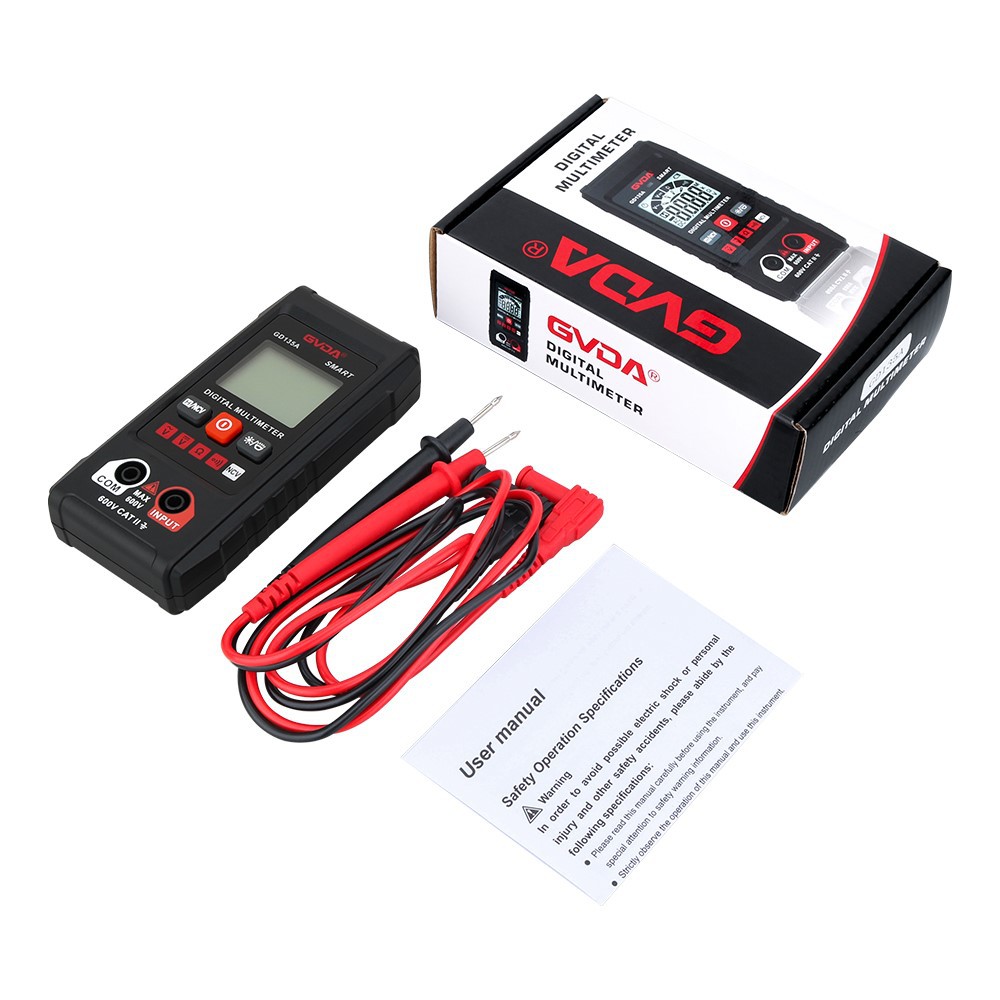
When measuring an LED lamp bead, use a multimeter with a power supply of more than 4.5V to make the LED lamp bead emit light.
You can easily check the functionality of low-power LED beads of various colors using the diode test function on a digital multimeter. However, most digital multimeters have an open-circuit voltage of around 2.8V and a test current of approximately 1mA in this mode (common for those using ADCs like ICL7106). This is sufficient to illuminate red and green LEDs with lower forward voltage drops. For blue or white LEDs with forward voltages ranging from 3.0V to 3.3V, they may only glow dimly, making it challenging to assess their condition, especially when measuring them in-circuit (as parallel components on the board might shunt current, preventing the LED from lighting up).
Most analog multimeters use two 1.5V batteries for resistance ranges from R×1 to R×1K and a 9V battery for the R×10K range. Neither configuration provides enough voltage to properly light an LED during testing.
To ensure reliable illumination of LED beads during testing, you should select a multimeter powered by at least 4.5V.
Through experiments with several multimeters I have on hand, I found that only one model was suitable: a compact, portable multimeter powered by a 12V micro-battery. Despite its small size, it offers comprehensive functions and makes testing LEDs straightforward. By switching to the "continuity" mode (which also functions as the diode test mode), connecting the red probe to the LED's anode (+) and the black probe to the cathode (-) will cause the LED to light up-even when measured in-circuit. This provides an immediate visual indication: a lit LED is functional, while a non-lit one is faulty.