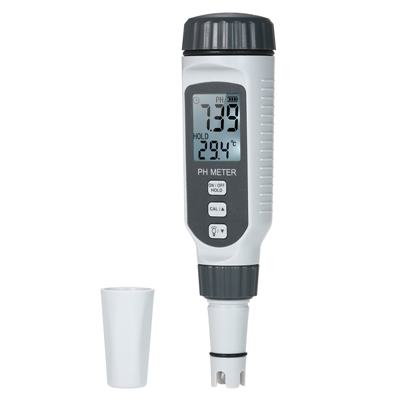
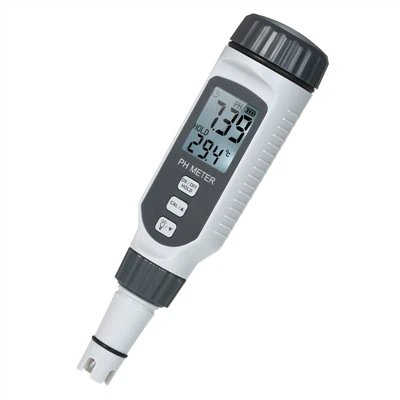
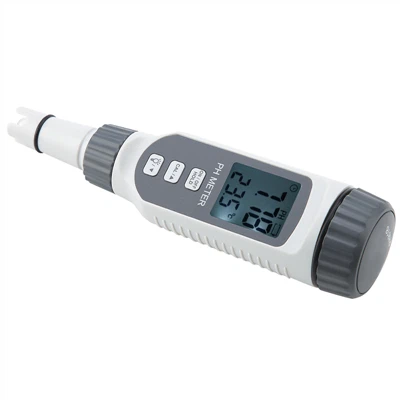
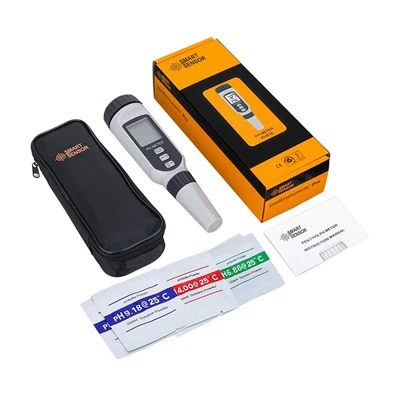
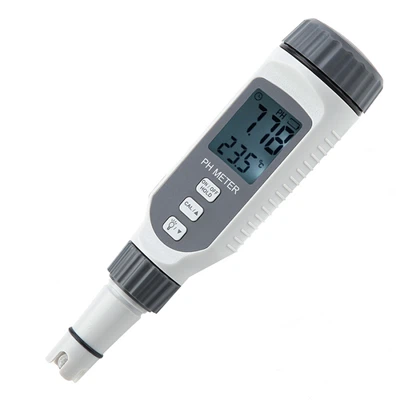
How should a pH meter be calibrated? pH meter operating procedures
1. When the solution temperature changes greatly from the temperature during calibration;
2. Electrodes that have been left out of the solution for too long;
3. Replaced with a new composite electrode;
4. After measuring concentrated acid (pH<2) or concentrated alkali (pH>12);
5. Measure the acidity of solutions containing fluoride at pH < 7 or after more concentrated organic solutions.
The specific correction process is usually as follows:
1. Prepare 1~3 kinds of standard buffer solutions as needed (prepare according to the number of calibration points);
2. Clean the pH electrode and temperature electrode with distilled water and put them into the pH standard buffer solution;
3. If the instrument has the function of automatically identifying buffer solutions, the instrument will automatically identify the standard solution and display the nominal value; if the identification is unsuccessful, it may be due to electrode damage, temperature sensor damage, etc. The user should check carefully. If it still doesn't work, you can also use manual identification to correct it.
4. If it is manually identified, you need to manually enter the nominal value, that is, each time you calibrate the standard buffer solution, manually enter the nominal pH value of the current standard solution corresponding to the current temperature.
5. If the standard solution cannot be recognized, or the nominal value is not entered, this calibration will not continue.
6. After completing the above steps and waiting for the reading to stabilize, press the "Calibrate" or "Confirm" key (the key names of different instruments are different). The instrument will store the calibration results and display the calibration results;
7. If you need to continue calibrating other standard solutions, you need to clean the electrode and put it into another standard buffer. After the instrument is successfully recognized and the reading is stable, press the "Calibration" key or "Confirm" key to complete. Correction.