How to select a computer power supply using a multimeter?
Today's latest components – graphics cards, sound cards, optical drives, hard disks and other parts – are all power-hungry. When loading up your PC with all these accessories, have you ever thought about equipping it with a robust, reliable power supply as its core?
Many experienced enthusiasts have shared their methods for evaluating power supplies in magazines and online articles. In summary, there are three common approaches:
First, visual inspection – check the quality of components, workmanship, and layout. To be honest, this method is somewhat demanding. It requires solid electronics knowledge; furthermore, to truly see the internal structure clearly, you must open the power supply casing, which breaks the manufacturer's warranty seal. Once the seal is damaged, the official warranty is void, and any issues with the power supply will have to be fixed on your own. I believe many beginners were forced into becoming DIY experts this way, with no other choice.
Second, touch test – after the system has been running for a while, feel if the air from the power supply fan is overly hot and if the casing is burning to the touch.
Third, smell test – check for any burning or acrid odors after prolonged operation.
The latter two are purely based on accumulated practical experience, which beginners simply do not have. How can they make reliable judgments? For this reason, I recommend a method to judge a power supply using a multimeter, which may help new users.
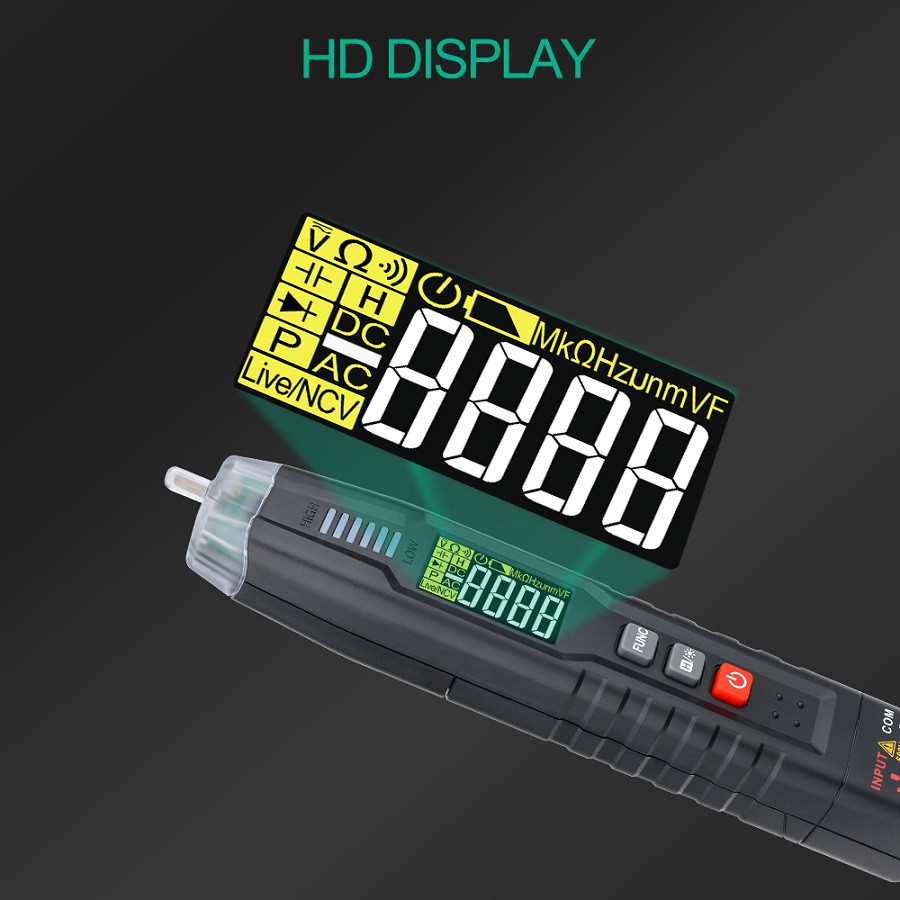
First, prepare a multimeter (preferably digital) and make sure you know how to use it.ATX power supplies provide several main voltages: 3.3V, 5.0V, and 12.0V. Among them, the 12.0V rail is the primary power source for hardware devices and shows the most obvious changes under heavy load.
With all computer loads connected, take any unused output connector. Insert the black multimeter probe into a black wire terminal (ground), and the red probe into a yellow wire terminal (to measure the 12V output). Power on the system to begin testing.
You will see the multimeter readings fluctuate until the operating system fully loads and stabilizes. Record this voltage value. Under normal conditions, it should stay around 12V (approximately 11.95V to 12.15V). A voltage that is too low cannot support stable long-term operation under heavy loads and offers no upgrade potential; one that is too high will cause components to overheat and age prematurely.
Next, press the RESET button to restart the computer. Watch the multimeter readings closely. During the power-on self-test (POST), the voltage will reach its lowest point. Record this minimum value.
If the difference between the maximum and minimum voltages is small (within 0.3V), the power supply is acceptable. If the voltage swing is excessive, the power supply has poor load capacity and should be avoided. I once tested a 300W power supply that showed 12.32V at its highest and only 11.73V at its lowest, causing frequent system crashes.
Finally, observe real‑world performance. Run various applications, play music through the optical drive, and stress all major components. If the voltage remains stable with no significant fluctuations, the power supply is a suitable choice.