How to Test Memory Chips Using a Multimeter
Motherboards and memory modules have 64 data pins, labeled D0 to D63. To protect these data pins, each is connected in series with a current-limiting resistor of approximately 10 ohms.
Memory testers work by repeatedly testing each data pin of the memory chip via software to detect any short-circuited or damaged data pins,
as well as the chip's clock and address pins.
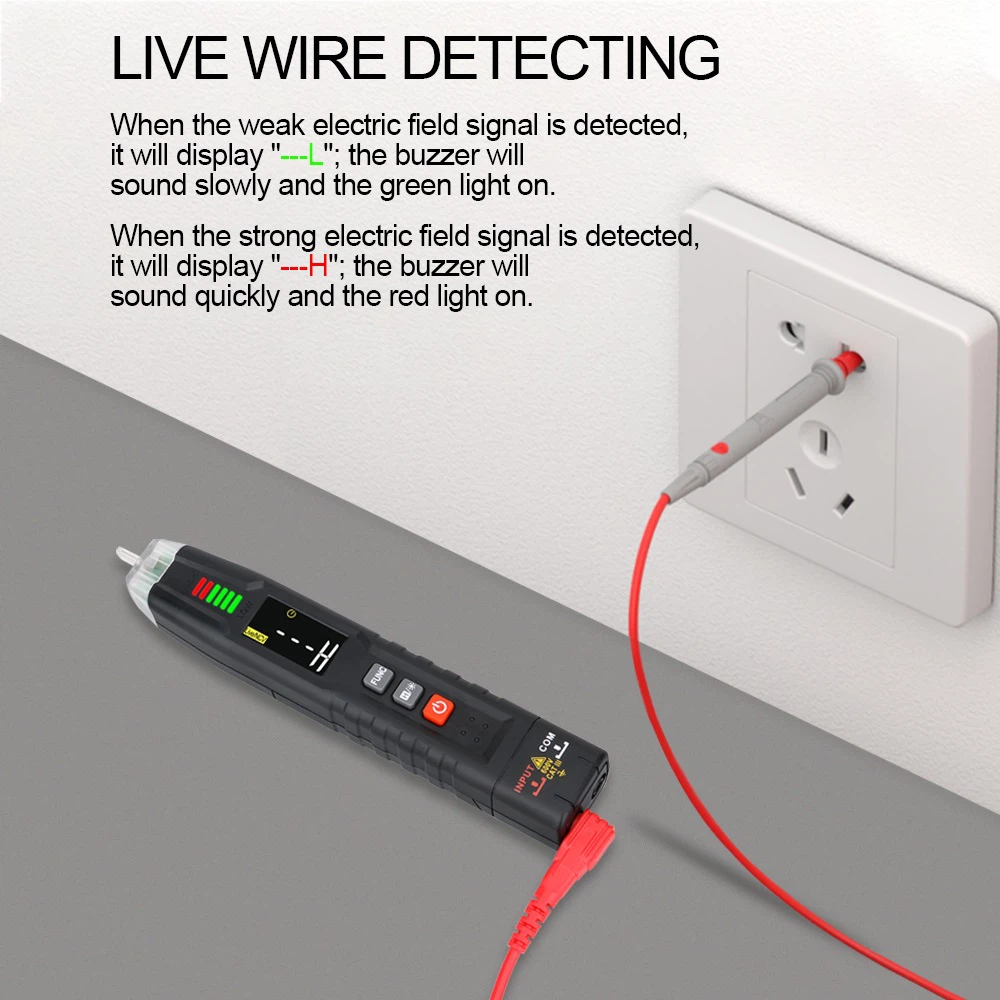
You can use a similar method with a multimeter. Place the red probe on ground (Pin 1) and use the black probe to measure the resistance of the resistor array. The measured resistance corresponds to that of the memory chip's data pins, allowing you to identify which chip is faulty. Under normal conditions, all data pins should show roughly the same resistance. While less intuitive than a dedicated tester, this method can determine whether a DDR memory chip is good or defective.
According to the user manual, the markings 2A and 2B on the memory being tested refer to single‑rank and dual‑rank configurations.
16‑bit chips typically come in 8 pieces, effectively forming two ranks.
8‑bit chips typically come in 16 pieces, also forming two ranks.
2A represents one rank, and 2B represents the other rank.
During testing, each data pin of every chip in each rank is tested cyclically. A chip is considered functional if it passes 3 to 5 consecutive tests. Good chips show "PASS", while defective chips display the faulty data pin number.
Troubleshooting
If the tester fails to start the test after power‑on, the cause is usually a shorted chip or shorted PCB. To resolve this, desolder the chip and install it on a known‑good PCB to test whether the chip itself is defective.
Memory testers do not test the SPD chip; the SPD chip is optional.
Burned or damaged gold fingers prevent proper testing. The chip must be removed and installed on a good PCB to verify its condition.