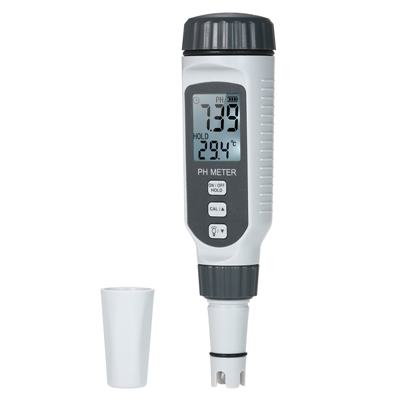
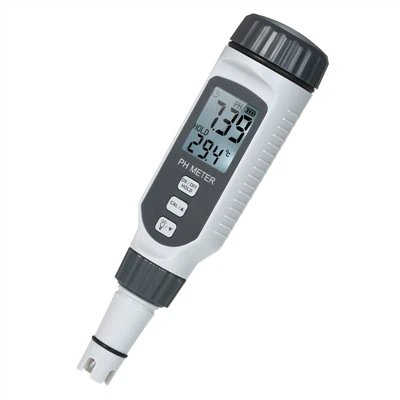
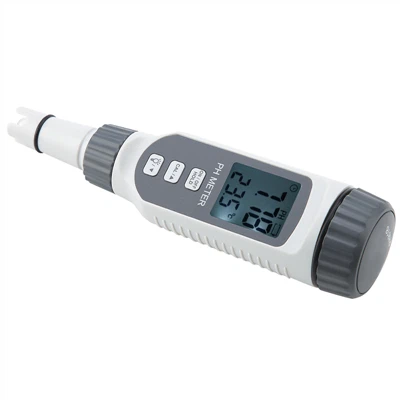
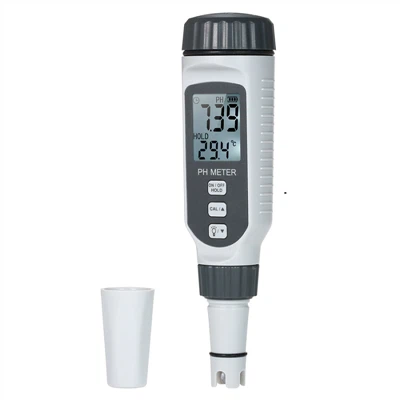
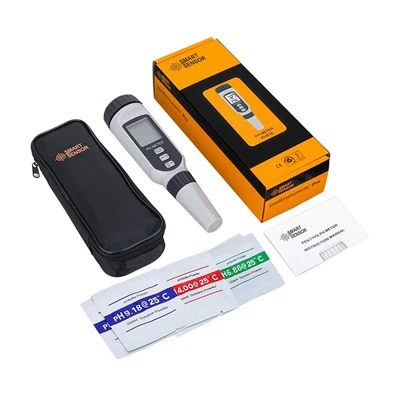
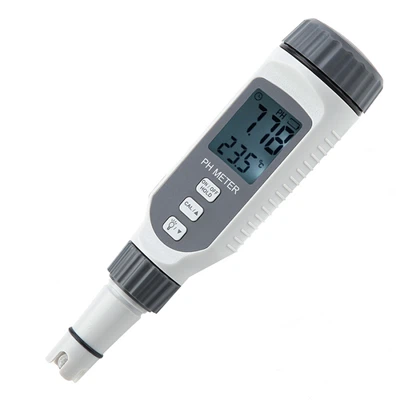
Portable pH Meter Operating Instructions
1. Before using the portable pH meter for the first time or not using it for a long time, read this operating procedure in detail. The pH electrode that is used for the first time or that has not been used for a long time must be soaked in 3mol/L potassium chloride solution for 24 hours before use. If the portable pH meter is not connected to the electrode, be sure to connect the pH (Q9) short-circuit plug. The normal working environment temperature of the portable pH meter is 5~35℃, the calibration temperature is 0.0~60.0℃, the measuring range is 0.00~14.00PH, -1800~1800mv, -5~105℃.
2. Equilibrate the temperature of the buffer solution to room temperature.
3. Measure the temperature of the solution to be tested (if necessary), roughly measure the pH value of the solution to be tested, and select two suitable buffer solutions to calibrate the electrode.
4. Take off the electrode protective cover, put the electrode into the buffer solution, press the "ON/OFF" button to turn it on, press the "Mode/Measurement" button to confirm that the instrument is in the measurement state, after the reading is stable, press the "Confirmation/Print" button to confirm Calibration result. The difference between the calibration value and the standard value of the two buffer solutions is within the allowable range before the measurement can be continued. (Without cleaning, do not take the electrode out of one buffer solution and put it directly into another buffer solution or the solution to be tested)
5. When the temperature electrode is connected, the instrument adopts automatic temperature compensation, and there is no need to set the solution temperature. When the temperature electrode is not connected, the portable pH meter adopts manual temperature compensation. At this time, press the "Mode/Measurement" button, in the "MTC" mode Set the temperature of the solution to be tested.
6. Put the electrode into the solution to be tested, press the "Mode/Measure" button to confirm that the instrument is in the measurement state, and when the reading is stable, press "Confirm/Print" to measure and print the data. Press "Mode/Measurement" to switch between mode state and measurement state, or cancel the current operation. Press the "▲/PH/mv" key to change the measurement unit (PH or mv), select a mode or adjust parameters.
7. Take out the electrode and clean it, and the measurement is over. Seal the front end of the electrode with a protective sleeve, and put a small amount of potassium chloride supplement solution in the protective sleeve to keep the electrode bulb moist; at the same time, please move the rubber sheath on the upper part of the electrode to cover the potassium chloride filling hole to prevent chlorine Potassium chloride solution overflows.